


Social Media App for Communication in China
Social media plays a big part in how people share their lives. You can follow local trends, chat with new friends, or get travel tips.
Weibo
Weibo is often called “China’s Twitter.” It’s a popular social media platform where users share short posts, photos, videos, and news updates. You can follow celebrities, brands, and local trends or chat with friends through private messages. For travellers, Weibo is a good way to keep up with what’s happening in China and get travel tips from locals.
Douyin
Douyin is the Chinese version of TikTok. It's more than just a short video app. It’s a huge social platform where people share everything. For travellers, Douyin is perfect if you want to get a feel of local culture in real time. You can search videos by city or topic, find recommendations, and even catch live streams from places you plan to visit. It’s super easy to use with lots of fun filters and effects.
Xiaohongshu
Xiaohongshu is a popular app where users share reviews, tips, and photos about shopping, food, travel, and lifestyle. It’s a bit like Instagram mixed with Pinterest. For travellers, Xiaohongshu is great for finding hidden gems. You can also connect with people who share your interests.
Other Ways to Keep in Touch in China
There are a few other simple ways to stay connected while travelling in China.
FaceTime
If you’re travelling in China and have an Apple device, FaceTime is the easiest way to make video calls. FaceTime needs a stable network in China, and it might not always work smoothly without a VPN. But it's still a simple choice for quick face-to-face chats during your trip.
Skype
Skype generally works well in China without needing a VPN. It’s a solid choice for travellers. However, call quality can depend on your internet connection. So, using stable WiFi is important. Unlike WhatsApp or Google Meet, Skype isn’t blocked, so you can use it freely during your stay.
Outlook
If you rely on work emails during your trip, Outlook helps you stay organised. Outlook is not blocked in China, so you can use it without needing a VPN.
Do I Need a VPN in China?
An eSIM simply connects you to a local mobile network in China, such as China Mobile, China Unicom, or China Telecom. It solves the problem of getting online, but it doesn’t bypass internet restrictions.
- eSIM without VPN: You can access local services like WeChat, Alipay, and Baidu, but Google, Instagram, WhatsApp, Facebook, and many international news sites will remain blocked.
- eSIM + VPN: You’ll enjoy full internet access, including blocked websites and apps, while still benefiting from local network speeds.
- International roaming (using your home eSIM): May sometimes allow access to blocked sites, but it’s often slower, costly, and not guaranteed.
Tips for Using Communication Apps in China
- Use a Local SIM or Reliable eSIM: Having a China SIM card or a China eSIM ensures smooth internet access for your apps.
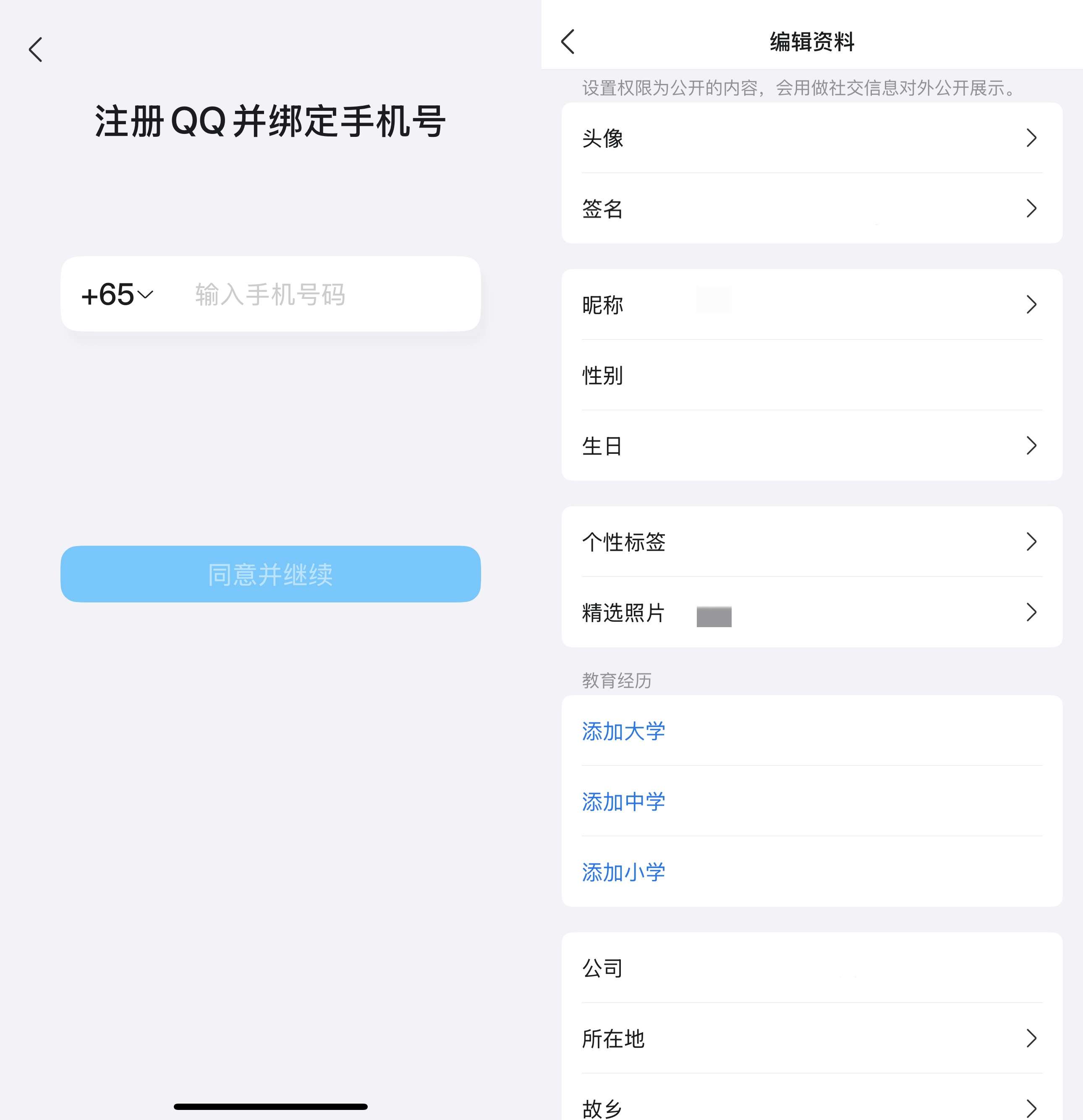
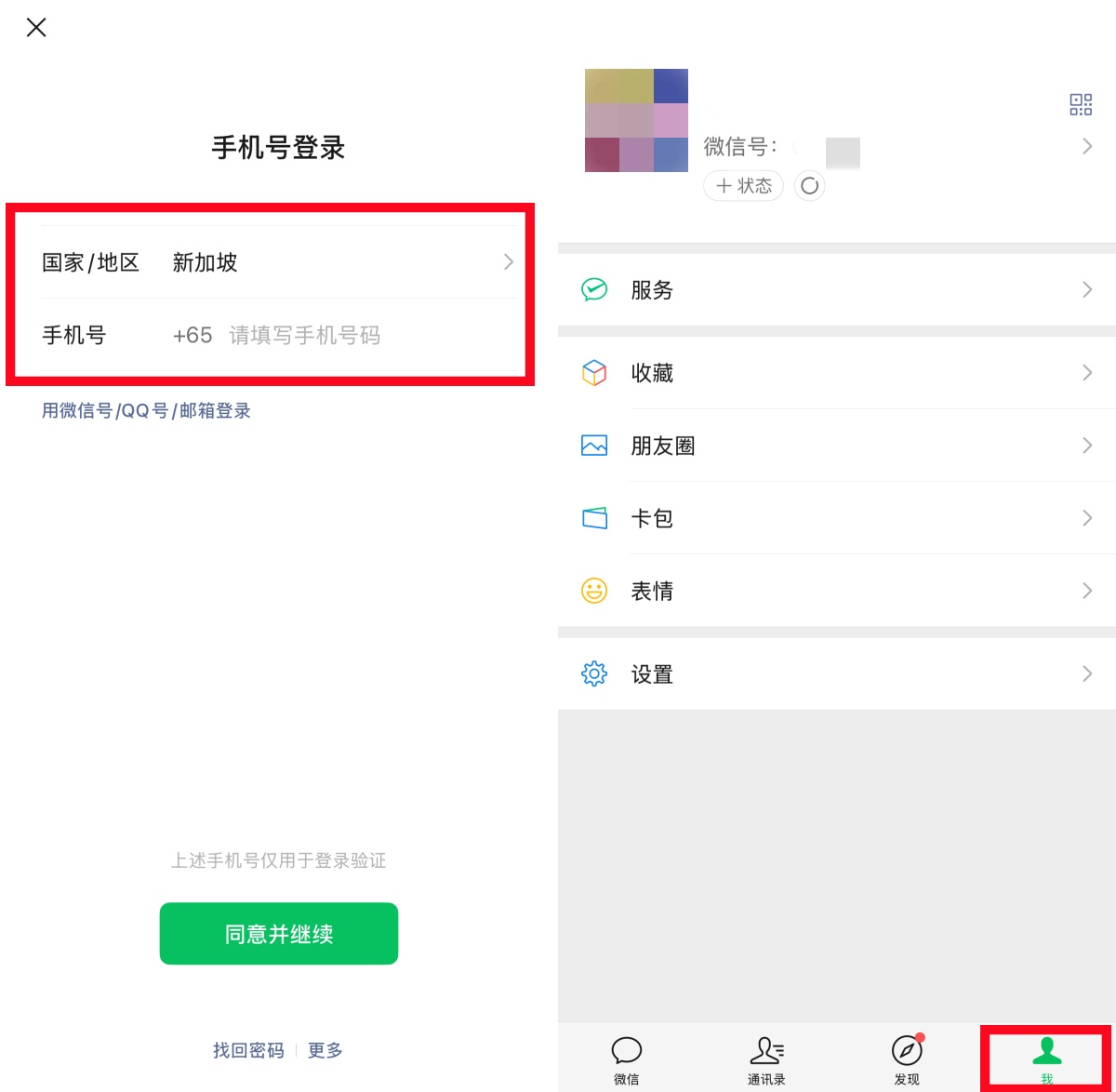
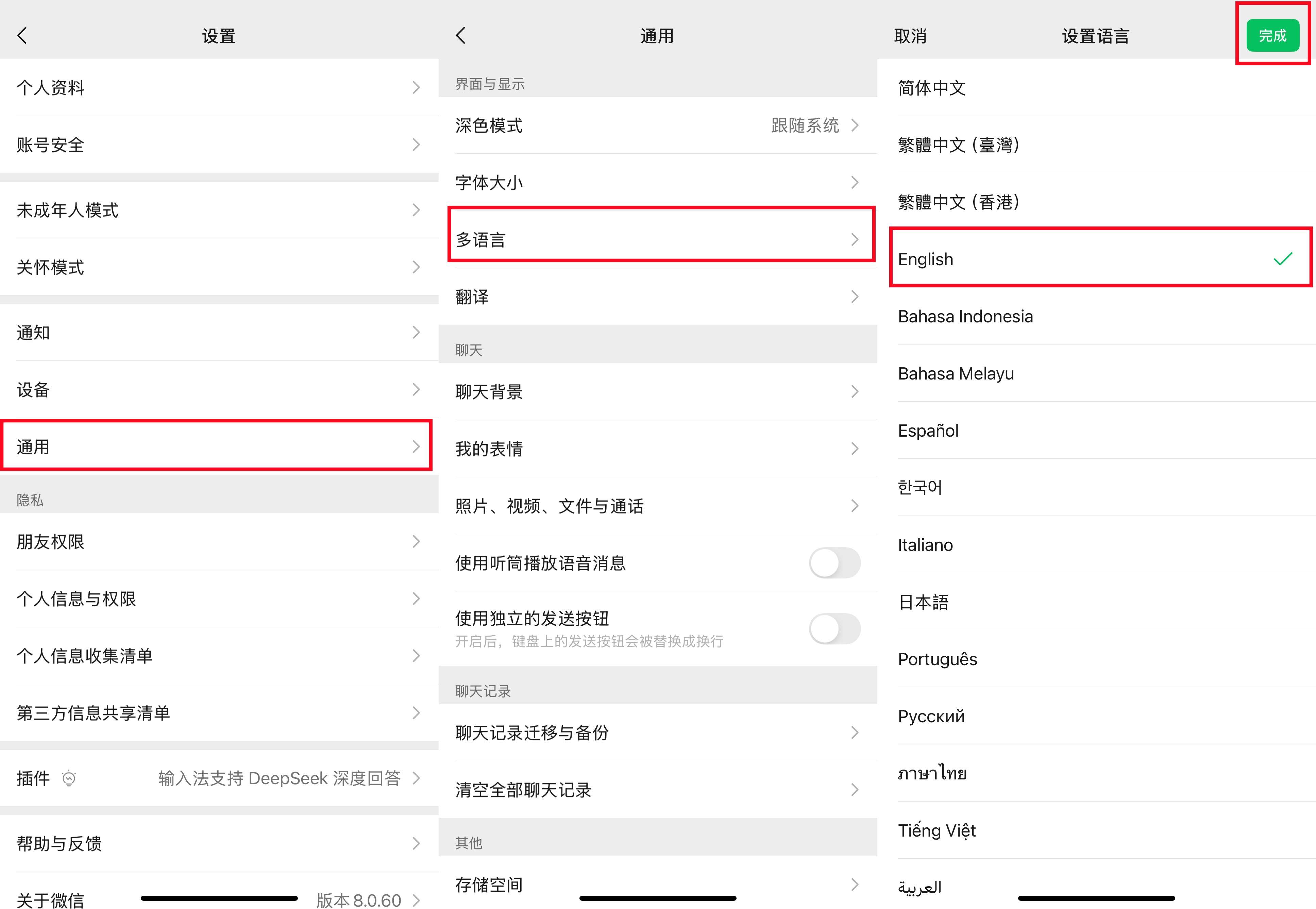
- Set Up Apps Before You Arrive: Download for key apps before landing in China to avoid issues.
- Use VPN: Some apps and services may require a VPN to work fully. Choose a reliable VPN.
- Link Payment Methods Early: For apps with payment features (WeChat Pay, Alipay), linking your payment method early can save hassle.
- Allow Necessary Permissions: Grant apps access to contacts, location, camera, and notifications to enjoy full features.
Other Useful Apps for Travellers
Essential China Travel Apps
Due to the 30-day visa free policy between China and Singapore, it will be easier for Singapore travellers to plan a trip to China. Staying connected in China doesn’t have to be tricky once you have the right apps. Before you travel, take some time to download and set up the apps you’ll need. Go enjoy your adventure and keep those chats coming!