How Trip.com’s Hotel Price Difference Refund Works

By Trip.com
September 24, 2026

Ever booked a hotel, felt happy with the deal… then later realised the price dropped? That sinking feeling is real but with Trip.com’s Hotel Price Difference Refund Policy, you don’t have to worry anymore.
If the same hotel room becomes cheaper after you book, you can apply for a price difference refund and get the savings back in Trip Coins.
It’s Trip.com’s way of making sure you always enjoy the best possible price for your stay.
Whether you’re planning a weekend getaway, family holiday, or business trip, this guide will show you how to use this feature the smart way.


What Is the Price Difference Refund?
Trip.com’s price difference refund is part of its Best Price Guarantee.
It means you can book early without stress and still benefit if prices drop later.
For bookings with a Price Guarantee badge, if you find a lower publicly available price for the same room type and dates on another eligible platform, you can submit a price-match request.
If approved, the price difference will be refunded in the form of Trip Coins.
If your booking is changed after it is confirmed, Trip.com will immediately notify you but after you arrive at the property, the property can no longer arrange check in.
Trip.com will also work with the property to try to arrange a room of the same or higher standard as the original booked room and Trip.com will compensare any difference in cost up to the price of the first night's room fee for the original booking.
If no room type in the original property can be arranged, Trip.com will help to arrange a stay at a nearby property of the same standard and Trip,com will pay any inccurred price difference up to a maximum of the room rate for the first night of the original booking.
When Can You Apply?
You can submit a request:
From the moment your booking is confirmed to the hotel's free cancellation deadline.
Once the clock passes that deadline, the claim window closes, so it’s always good to check prices again a few days before your trip.
 NO.1
NO.1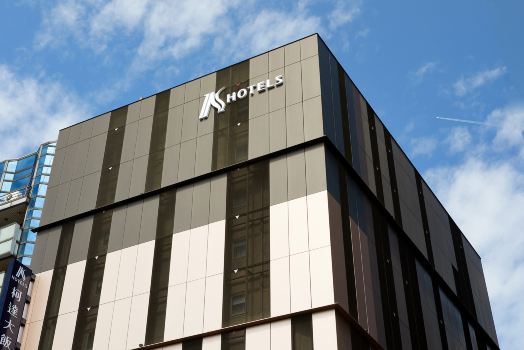

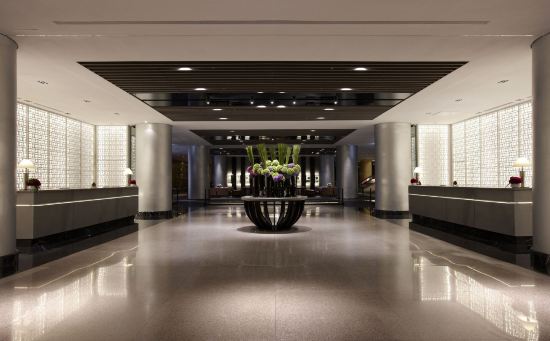
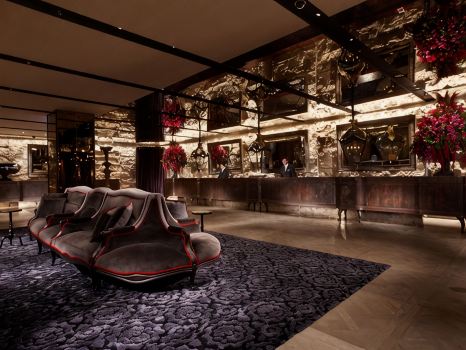


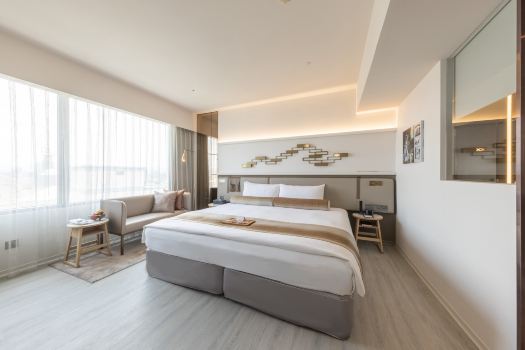
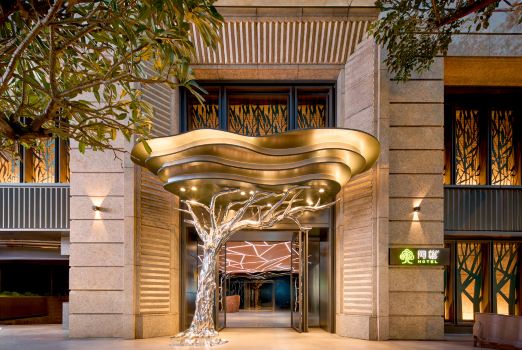
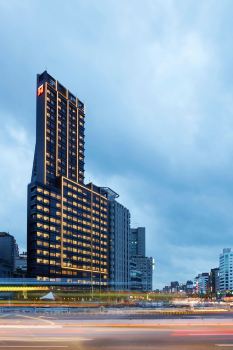
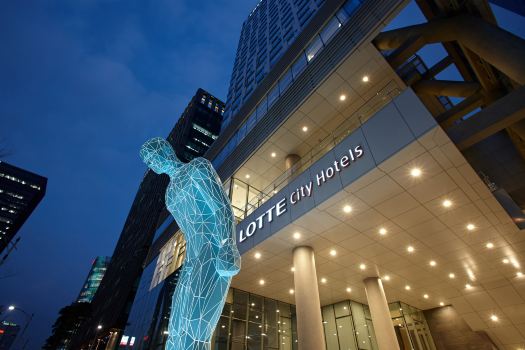









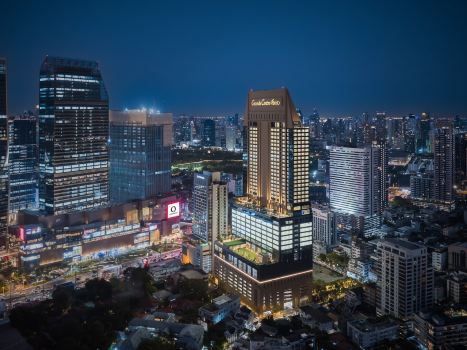





What Needs to Match?
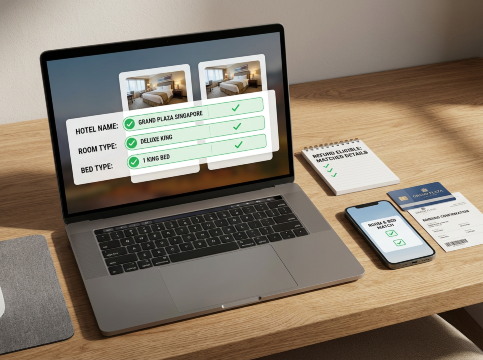
Hotel Refund Match
For your claim to be approved, everything must match exactly — not almost, not similar, but 100% the same.
Booking Detail | Must Be Identical |
Hotel name | Yes |
Room type | Yes |
Check-in & check-out dates | Yes |
Bed type | Yes |
Breakfast inclusion | Yes |
Cancellation policy | Yes |
Final price conditions | Yes |
If any of these are different, the request may be rejected.
Who Can’t Use This Feature?
The Room Guarantee Cannot Be Used
The Room Guarantee cannot be used in the following scenarios:
a. You do not arrive at the hotel by the arranged time.
b. You changed booking information, such as room type or check-in/out dates, without getting confirmation from Trip.com.
c. Trip.com or the hotel you originally booked has upgraded you to a room of the same standard or higher at no extra charge.
d. After your booking is updated and a room is available, you do not check in for the updated booking or you are unable to provide authentic and valid proof of check-in, or the guest names, dates, or city on the proof you provide do not match the original booking.
e. You cannot check in for your booking due to a force majeure, such as a fire, natural disaster, or government policy.
f. Your booking has not been confirmed by Trip.com by the time you arrive at the hotel. (Please refer to emails from Trip.com to confirm whether your booking was successful).
g. Your booking is a prepaid booking and you have not completed payment.
h. Bookings with transaction security issues: (Trip.com will judge each case based on fair principles and transaction security)
• The following types of booking are not eligible for the Room Guarantee: bookings involving system or network attacks, fake bookings, and resale bookings.
• The supplier reserves the right to require the user to provide a guarantee amount for bookings when there are issues or abnormalities with the user information, user account, or number of transactions. If the guarantee amount cannot be provided, Trip.com reserves the right to cancel the user's booking on behalf of the supplier.
How Can You Get Refund Back?
Here’s how the refund rules work:
Rule | What It Means |
Number of claims | Only one per reservation |
Refund method | Paid as Trip Coins |
Changes after approval | Not allowed |
Once your refund is approved, your booking must stay unchanged — otherwise the refund will be cancelled.


How to Apply Hotel Price Difference Refund?

Step 1
Log in and go to My Bookings. Select the hotel you want to check.
Step 2
Open the order details and tap Price Guarantee / Claim Refund.
Step 3
Confirm that all room details match exactly, then tick the verification box.
Step 4
Fill in the form with the lower price, attach a link, and upload a screenshot.
Step 5
Submit your request. Trip.com will usually review it within one working day.
Need Help? Trip.com Is Always There
Trip.com offers 24/7 customer support, personalised assistance, and multilingual service. If you have any questions during the process, help is just a few clicks away.
More Info
Why This Is Great for Singapore Travellers
Many travellers like to lock in their hotels early, especially during school holidays, long weekends, or festive seasons. With this feature, you can:
- Book with confidence
- Keep an eye on prices
- Claim back the difference if rates drop
It’s a simple way to stretch your travel budget and feel good about every booking.
Final Thought
Hotel prices change all the time but now, you don’t have to worry about missing out on a better deal.
With Trip.com’s Hotel Price Difference Refund Policy, you can book early, travel confidently, and still enjoy the best price every time.

![Jiufen Old Street + Shifen Old Street + Shifen Waterfall 1-day tour [Depart from Taipei | Guaranteed departure]](https://ak-d.tripcdn.com/images//0584o12000nkigtod37D0_C_568_320.jpg)

![[Valid across Taiwan] McDonald's group · instant voucher](https://ak-d.tripcdn.com/images/0350j12000sge7fgb9D00_C_568_320.jpg)






![[Daehan Hanbok] Hanbok Rental at Seoul Gyeongbokgung Palace](https://ak-d.tripcdn.com/images//0580r12000qlh1tt6C5B4_C_568_320.jpg)









![[Expert Guide] Grand Palace + Damnoen Saduak Floating Market + Maeklong Railway Market one-day tour in Bangkok](https://ak-d.tripcdn.com/images//0584s12000nm73makA2D9_C_568_320.jpg)










FAQs for Hotel Price Difference Refund Policy
-
What is Trip.com’s hotel price difference refund?
-
When can I apply for the refund?
-
How will I receive the refund?
-
What details must match for the claim to be approved?
-
How long does Trip.com take to review my request?
Find Cheap Travel Deals & Explore Destinations on Trip.com
-
Popular Content
-
Top Flight Links
-
Popular Hotels
-
Popular Things to Do
-
Featured guides
-
Trip.com links
- Trip.com Customer Service
- Trip.com VIP Lounge
- Buy Now Pay Later
- Trip.com Cancellation Policy
- Trip.com Contact
- Best Credit Cards
- How to Use Trip com Promo Codes
- Trip.com Flight Refund
- scoot-baggage-allowance
- Best Day to Book Flights
- How to Book a Student Flight Ticket
- Singapore Airlines Baggage Allowance
- Singapore Airlines Change Flight
- Air China Baggage Allowance
- Singapore Airlines Seat Map
- QW907 Flight Status
- MU2434 Flight Status
- CA490 Flight Status
- CZ8302 Flight Status
- MU7705 Flight Status
- ZG053 Flight Status
- TK066 Flight Status
- Plane tickets from Singapore to Shanghai
- Cheap tickets from Singapore to Fukuoka
- Plane tickets from Singapore to Kuala Lumpur
- Cheap tickets from Hong Kong to Guam
- Cheap tickets from Singapore to Bangkok
- Cheap flights from Singapore to Seoul
- Cheap flights from Singapore to Manila
- Cheap tickets from Singapore to Bengaluru
- Hotels near Hefeinan Railway Station
- Hotels near Beijing Chaoyang Railway Station
- Hotels near Zixiao Palace
- Hotels near Beijing Road
- Hotels near Johor Bahru Senai International Airport
- Chengdu Hotels
- Tokyo Hotels
- Kuala Lumpur Hotels
- Kunming Hotels
- Phu Quoc Island Hotels
- Hotel Les Matins de Paris
- Airport International Hotel (Xuzhou Guanyin Airport)
- Villa K Family Hometel
- Ramada by Wyndham Seoul Dongdaemun
- Mercure Guangzhou Beijing Road Pedestrian Street Hotel
- Malaysia 5G eSIM | Supports Google Maps / Tiktok / ChatGPT | Daily / Total Data Plans | 24-Hour Billing | 1–30 Days | QR Code
- Singapore 4G eSIM | Supports Google Maps / ChatGPT | Daily/Total Data Plans | 24-Hour Billing | 1–30 Days | QR Code
- Vietnam Airport VIP Fast Track Service
- VIP Fast Track service for immigration clearance at Tan Son Nhat Airport in HCM
- Foreign Tourist Day Tour: Panda Valley / Dujiangyan / Mt Qingcheng / Blue Tear / Chengdu
- Mainland China 5G eSIM | Day Pass/Total Data Package | ChatGPT Available | 24-Hour Billing | 1-365 Days | QR Code
- Mainland China/Hong Kong/Macau 5G eSIM | 5 Carriers · All AI | Day Pass/Total Data Package | 24-Hour Billing | QR Code
- Mainland China 5G eSIM | Supports Google Maps / ChatGPT | Daily/Total Data Plans | 24-Hour Billing | 1–365 Days | QR Code
- Japan SIM Card
- Shanghai Activities
- Shenzhen Activities
- Zhuhai Activities
- Beijing Day Tours
- Jiuzhaigou Day Tours
- Hangzhou Day Tours
- China Power Bank Limit
- 中国地图
- Trip.com Customer Service
- Hong Kong Public Holidays 2027
- train to kl from singapore
- Shanghai Metro
- China Plug
- Taiwan Plug
- Thailand Plug
- China Train Map
- Singapore Public Holiday 2027
- China Entry Requirements
- universal studios singapore tickets
- Best Translation App for China
- China Train Luggage
- Big Transport from Tokyo to Fukuoka
- Osaka Station to Kyoto Station
- Bangkok to Pattaya
- Trip.com Promo Code
- Trip.com Flight Deals
- Trip.com Credit Card Promotions
- How to Book Cheap Flights
- Trip.com Member Rewards
- Trip Weekly Hotel Sales
- Online Hotel Booking
- Online Flight Booking
- Trip.com Travel Guide
- Book China Train Tickets
- Trip.com Seat Selection
- Singapore Public Holidays 2027
- Trip.com 优惠码
- Trip.com Travel Guides