

 NO.1
NO.1


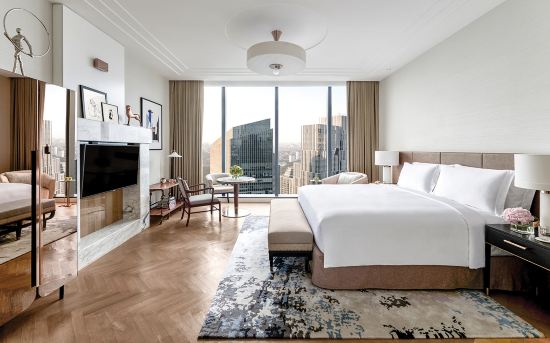
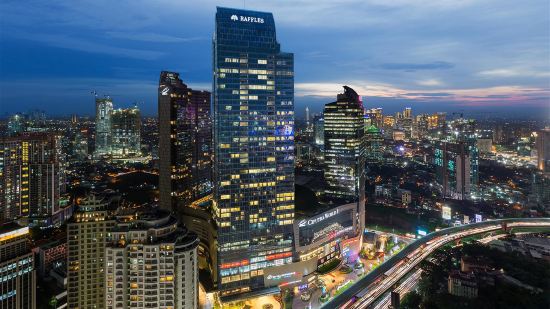




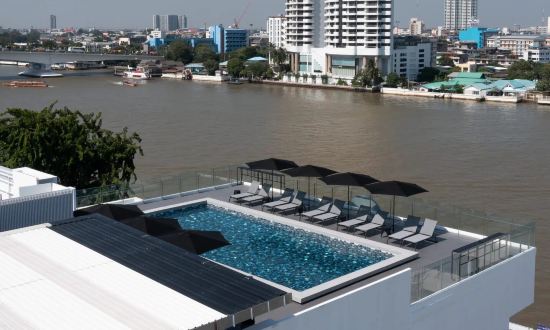














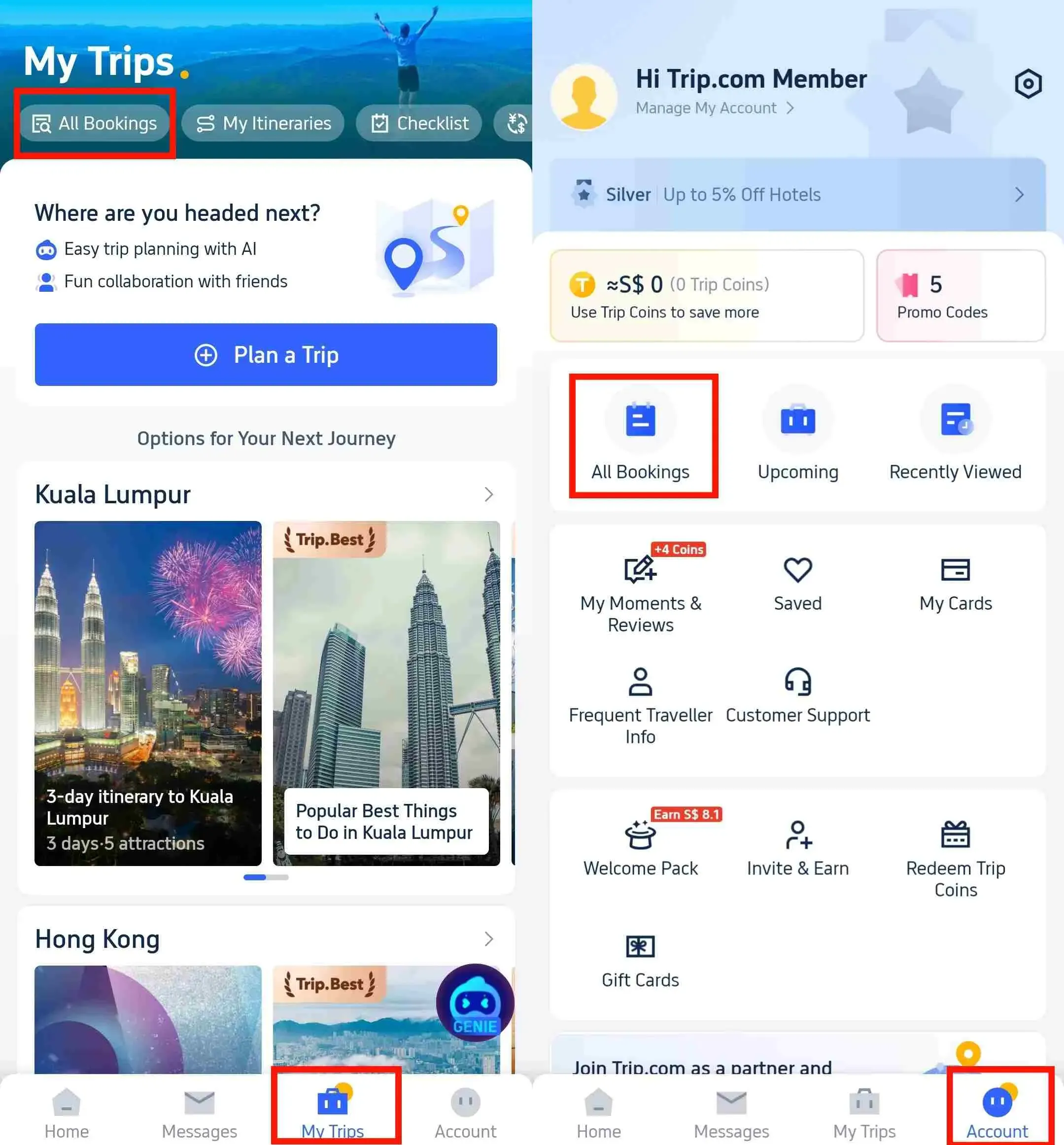
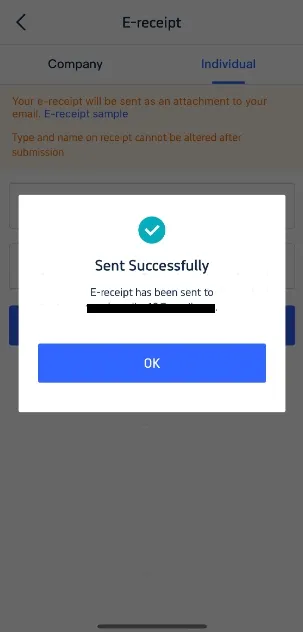
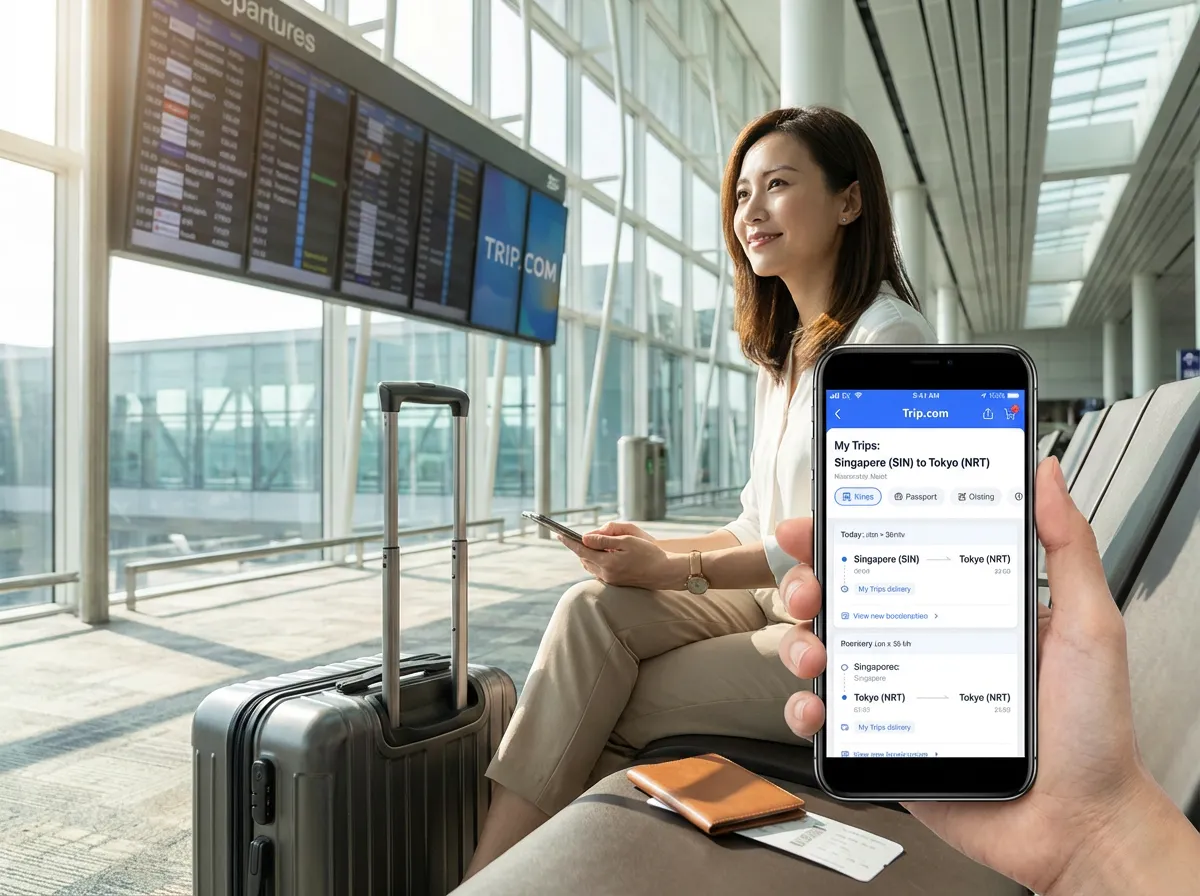



🔥Exclusive Hotels Deal: Up to 10% OFF for New Users
Discover the world with Trip.com! Book the perfect hotel anywhere in the world and get an unbeatable 10% discount if you're a first-time user! Download our app now and start planning your next trip with ease.
Just click this link and download the Trip.com App, after successfully registering as a member, use it when you place an order!


![[Authentic signature breakfast] Cash voucher for Ya Kun Kaya Toast in Singapore](https://ak-d.tripcdn.com/images/0351z12000tjx4n7y04FB_C_568_320.jpg)




![Jakarta [ Old Town + Taman Mini + Merdeka Square + Cathedral + Istiqlal Mosque]](https://ak-d.tripcdn.com/images/0352t12000ntqrgyd8E7F_C_568_320.jpg)



![Jakarta 1-day tour [Chinatown + Beach + Dutch Town + Presidential Palace + Merdeka Square, Jakarta]](https://ak-d.tripcdn.com/images//0583j12000r5os8ph9689_C_568_320.jpg)




![Thailand Bangkok Wat Arun Trip Moments[1-hour professional unlimited photoshoot | Wat Arun admission ticket | 3-hour Thai costume with hair and makeup for single or couple]](https://ak-d.tripcdn.com/images/0353n12000ghi488wD605_C_568_320.png)








![[Official Ticket] JR Tokyo Wide Area Pass 3-Day (Electronic Redemption Voucher)](https://ak-d.tripcdn.com/images//0586012000rry1wiqCBE8_C_568_320.jpg)