


🔥Save More with Up to 5% OFF
Use our promo code to enjoy up to 5% OFF (up to S$3) on your attraction tickets, tours and eSIMs! Only for new users!

One of the most well known digital payment services in South Korea is Naver Pay.
It is widely used by locals or international visitors for online shopping, QR payments and seamless checkout.
Apart from Naver Map, Naver Pay also becomes the esential tool for shoppers that buying from Korean platforms.
Fly from Singapore
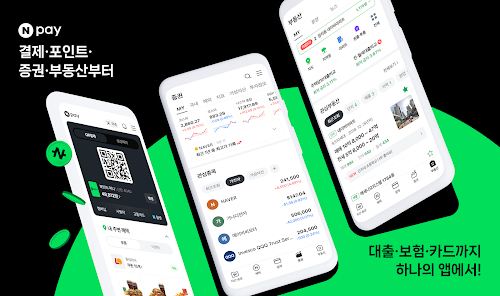
Naver Pay is a mobile digital payment and online checkout system developed by Naver, who is one of the Korea's biggest tech companies.
It allows locals and international shoppers to make quick payments using cards, QR or online transactions.
The app is popular because it makes the user who wants to online shopping in Korea feels easier where there is many deals and discounts that are only exclusive for Naver Pay users, hence users also can enjoy rewards when shopping on partnered platforms.
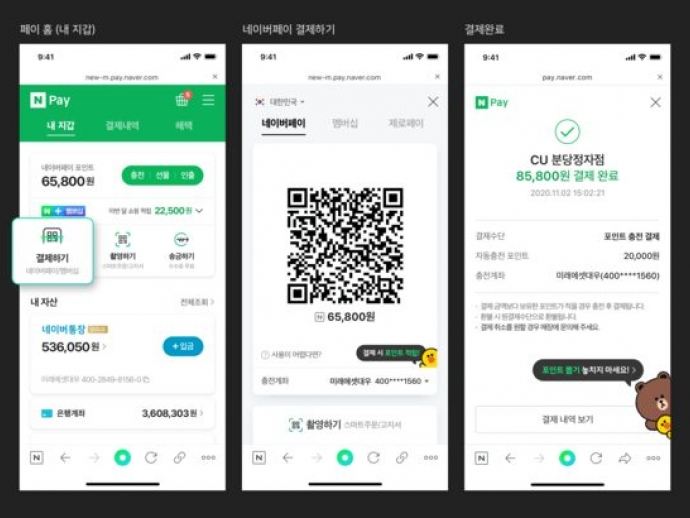
The users can checkout and pay instant on Naver shopping or partnered website to save times and smoother transactions.
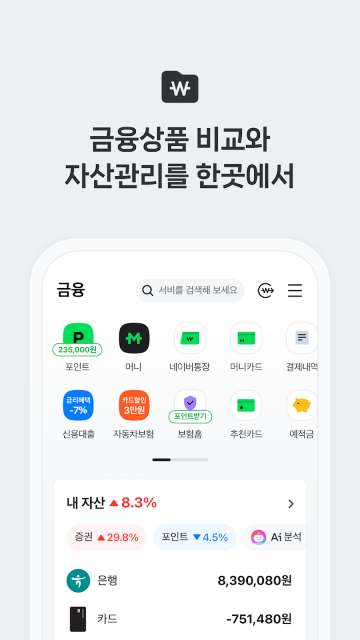
The users that are using Naver Pay also can earn Naver Pay Points on online eligible purchases, makes the shoppers save their money and enjoy additional discounts.
Tourists also can also pay using QR code at offline store across South Korea, makes this is convenient for cashless payments and transactions that are for dining and shopping.
Apart from payments using QR code, international tourists also can connect with their credit cards, decit cards and also bank accounts.
This offers flexible payment options for non locals.
Naver Pay also provides strong security for advanced encryption technology and identity verification on payments to secure and protect their users financial information being leaked.
This also to avoid and reduces risk of fraud and scams.
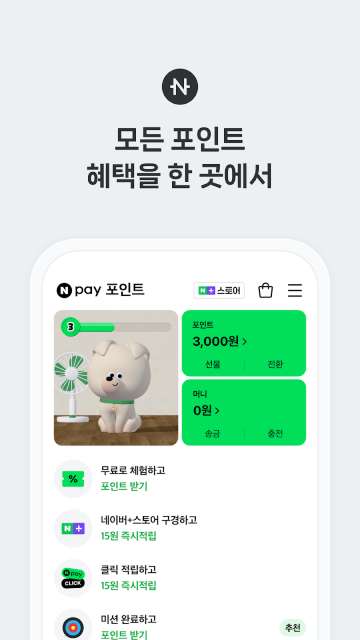
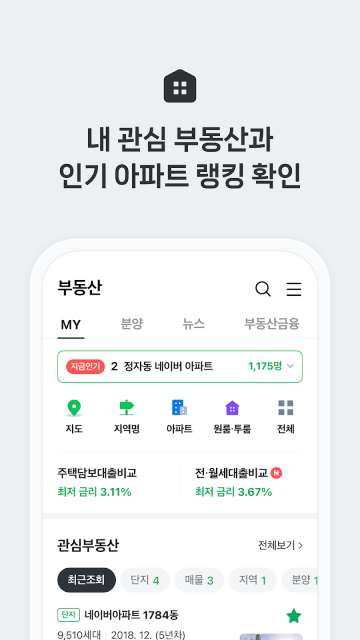
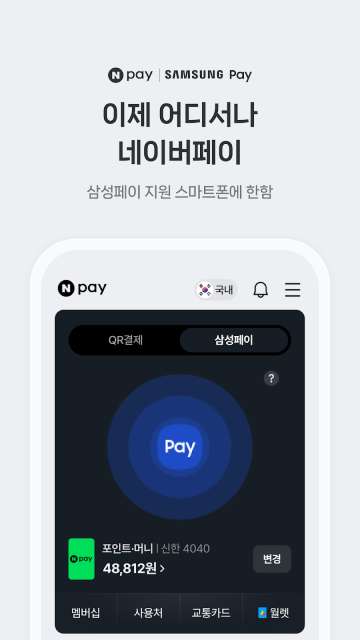
Feature | Naver Pay | KakaoPay | |
|---|---|---|---|
QR Payments | Yes | Yes | Limited |
Online Shopping Integration | Excellent | Good | Moderate |
Cashback & Rewards | Yes | Yes | Limited |
Loyalty Programs | Strong | Moderate | Moderate |
Device Compatibility | Android & iOS | Android & iOS | Samsung Galaxy devices only |
International Use | Limited | Limited | Better acceptance via card networks |
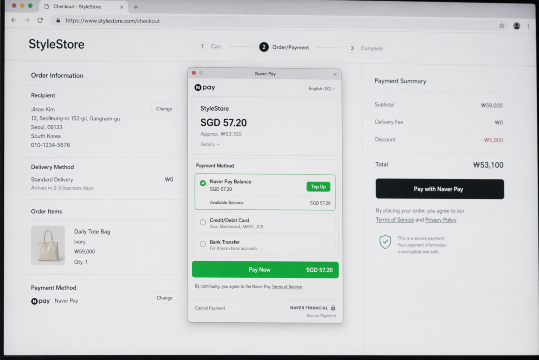
Use our promo code to enjoy up to 5% OFF (up to S$3) on your attraction tickets, tours and eSIMs! Only for new users!
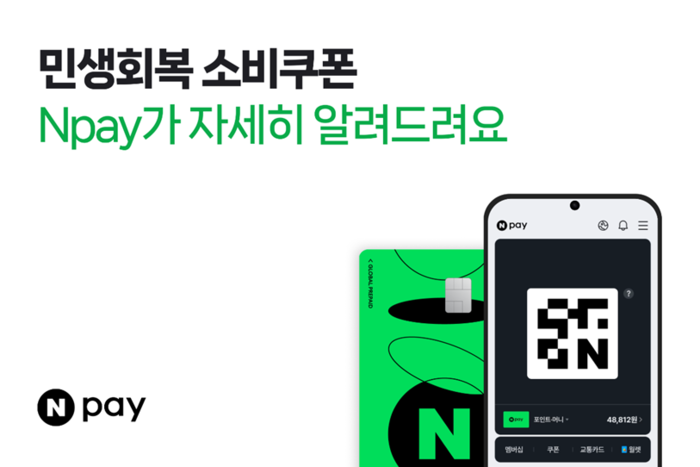
Naver Pay has become digital wallet tool for anyone who want to shopping in South Korea.
With its fast payment system, and easy online transactions, it continues to dominate the Korean online payments and useful for frequent online shoppers and international buyers.