























Apple Pay vs Google Pay Key Differences for Singapore Travellers


Mobile payments are now part of daily life in Singapore. Many people use their phone to pay at stores, transport, and online shopping.
Two of the most popular options are Apple Pay and Google Pay.
This guide explains both in a simple way so you can choose the right one for your daily spending and travel needs.
What Is Apple Pay?

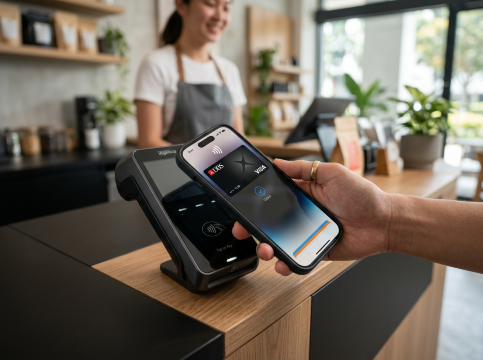
Apple Pay is a digital payment service created for Apple devices. It allows users to store their credit or debit cards in the Wallet app and make payments using their iPhone, Apple Watch, iPad, or Mac.
Apple Pay was introduced to make payments faster, safer, and more convenient without needing physical cards.
How Apple Pay works in Singapore
Singapore users can easily add cards from major banks such as DBS, OCBC, UOB, and Standard Chartered. Once added, payments can be made in stores, apps, and online platforms that support contactless payment.
Where Apple Pay is used
- Shopping malls and supermarkets in Singapore
- Cafes, restaurants, and convenience stores
- Public transport and ride services
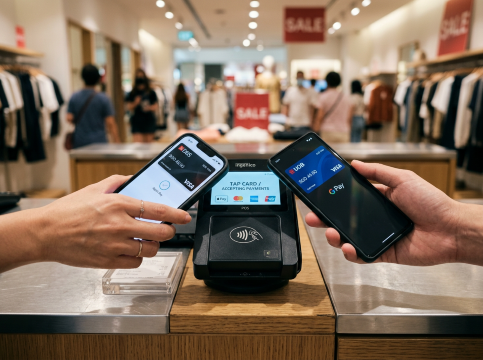
- Overseas stores that accept contactless payment
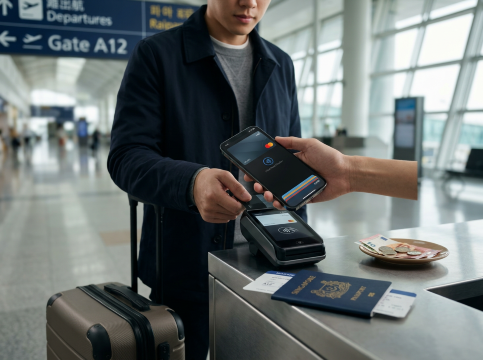
When travelling, Singapore users can also use Apple Pay in many countries without needing to change currency at payment time. The amount is automatically converted by the bank.
Devices that support Apple Pay
- iPhone models with Face ID or Touch ID
- Apple Watch
- iPad and Mac for online purchases
What Is Google Pay?

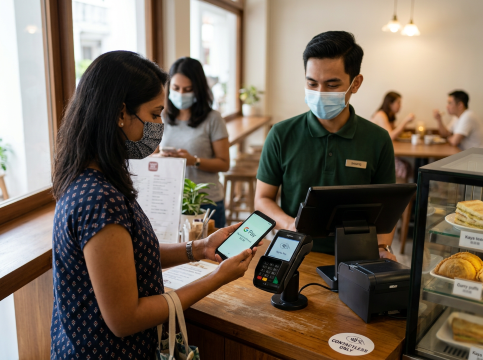
Google Pay is a digital wallet designed mainly for Android users. It is now integrated into Google Wallet, which stores cards, passes, and payment methods in one place.
It allows Singapore users to make contactless payments using Android phones and compatible smart devices.
How Google Pay works in Singapore
Users can link debit or credit cards from banks like DBS, OCBC, UOB, and other supported financial institutions. It also works with PayNow supported services for local transfers and payments.
Where Google Pay is used
- Retail shops and supermarkets
- Online shopping apps and websites
- Public transport and ride hailing services
- Overseas merchants that support contactless payment
For travellers, Google Pay is useful because it works in many countries where contactless payments are accepted.
Devices that support Google Pay
- Android smartphones
- Wear OS smartwatches
- Selected tablets and devices with Google services
Apple Pay vs Google Pay vs Other Wallets: How Do They Stack Up?

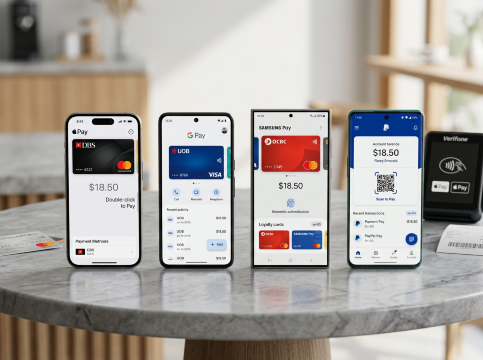
Besides Apple Pay and Google Pay, Singapore users also use other digital wallets for daily spending.
Samsung Pay is common among Samsung phone users, especially those who prefer built in payment features on Galaxy devices.
PayPal is widely used for online shopping and international payments, especially on websites that do not support contactless payment.
In simple terms:
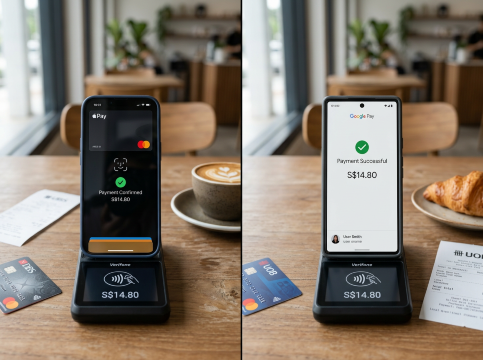
Apple Pay is best for Apple users who want smooth device integration
Google Pay is best for Android users who want flexibility and wider device support
Other wallets like Samsung Pay and PayPal are useful for specific needs like online shopping or device specific features
Discover Best Hotels Here
JAKARTA
PHUKET
TOKYO
See All Hotels
Apple Pay vs Google Pay Comparison Table

Here is a simple comparison to help Singapore users understand both options clearly
Feature | Apple Pay | Google Pay |
|---|---|---|
Device support | Apple devices only | Android devices |
Setup method | Wallet app | Google Wallet app |
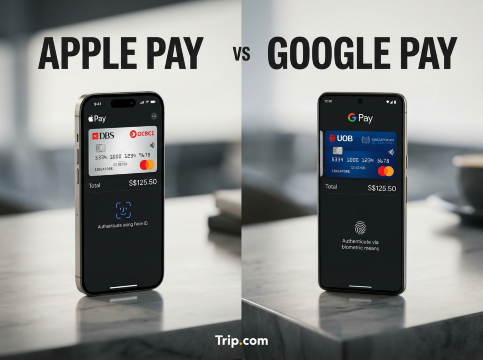
Security | Face ID or Touch ID | Fingerprint or phone lock |
Bank support in Singapore | DBS OCBC UOB Standard Chartered | DBS OCBC UOB and others |
Payment use | Stores apps online overseas | Stores apps online overseas |
Travel usage | Widely accepted overseas | Widely accepted overseas |
Extra features | Strong Apple ecosystem integration | PayNow support and flexibility |
Tips to Avoid Payment Issues Overseas

When travelling from Singapore, both Apple Pay and Google Pay usually work well in many countries. Still, small setup mistakes or bank restrictions can cause payment failures. These simple tips can help you avoid problems and enjoy a smoother trip.
1. Check if your card supports overseas use
Before you travel, make sure your debit or credit card is enabled for international transactions. Some banks may block overseas payments by default for security reasons.
If it is not activated, your mobile wallet may still fail even if Apple Pay or Google Pay is accepted.
2. Set your primary card correctly
Always choose one main card in your wallet before travelling. This helps reduce confusion during payment and avoids transaction delays.
If one card fails, switch quickly to a backup card already added in your wallet.
3. Keep your phone unlocked and ready
Mobile payments require authentication such as Face ID, Touch ID, fingerprint, or PIN.
Make sure your phone is charged, unlocked, and working properly, especially when making quick payments at transport stations or busy shops.
4. Ensure stable internet when needed
Most in store payments do not require internet, but some verification steps or overseas bank checks may need a connection.
Having roaming or mobile data turned on can help avoid sudden payment failures.
5. Be aware of foreign transaction fees
Even though Apple Pay and Google Pay do not charge extra fees themselves, your bank card may apply foreign currency charges.
It is good to check with your bank before travelling so you understand the total cost of each transaction.
6. Carry a backup payment option
Even in countries with strong contactless systems, some small shops or rural areas may not accept mobile wallets.
Always carry a physical card or small amount of cash as backup to avoid inconvenience.
Which Should You Choose: Apple Pay or Google Pay?

Choosing between Apple Pay and Google Pay depends mainly on your phone and lifestyle.
Choose Apple Pay if you
- Use iPhone, Apple Watch, or Mac
- Want a simple and smooth payment experience
- Prefer strong biometric security like Face ID or Touch ID
- Travel often and want easy card usage overseas
Choose Google Pay if you
- Use Android smartphones or devices
- Prefer flexible device options and customization
- Want integration with PayNow for local transfers
- Use multiple Android based devices
Final Thoughts

Apple Pay and Google Pay both make daily spending faster and easier in Singapore. There is no clear winner because both work well in most places.
The best choice depends on your phone and personal preference. If you already use a specific ecosystem, it is usually better to stay within it for a smoother experience.
Both options help you enjoy a cashless lifestyle with just a tap of your phone.
Discover Amazing Things to Do
JAKARTA
PHUKET
TOKYO
See all attractions
🔥Save More with Up to 5% OFF
Use our promo code to enjoy up to 5% OFF (up to S$3) on your attraction tickets, tours and eSIMs! Only for new users!
FAQs about Apple Pay vs Google Pay
Is Apple Pay more secure than Google Pay in Singapore?
Both Apple Pay and Google Pay use tokenisation and biometric authentication, making them significantly safer than physical card payments. Apple Pay has a slight privacy advantage — Apple does not collect or store your transaction data. Google Pay stores transaction metadata on Google's servers, though your actual card number is never shared with merchants. For financial security, both are excellent choices for Singapore users. For maximum data privacy, Apple Pay edges ahead.What are the disadvantages of Apple Pay for Singapore users?
Apple Pay's main drawbacks for Singapore users include its exclusivity to Apple devices — Android users cannot use it at all. Additionally, Apple Pay does not integrate with PayNow in Singapore, which is a significant limitation compared to Google Pay. Peer-to-peer money transfers via Apple Cash are not available in Singapore. Apple Pay also requires relatively recent Apple hardware with Face ID or Touch ID support.What are the downsides of Google Pay?
Google Pay's main disadvantages include Google's data collection practices — unlike Apple, Google retains access to transaction metadata, which concerns privacy-focused users. The branding can also be confusing (Google Pay vs Google Wallet overlap). On iOS, Google Pay does not support tap-to-pay, limiting its functionality for iPhone users. Additionally, some features like peer-to-peer transfers have been scaled back in certain markets.Does Apple Pay refund money if you get scammed in Singapore?
Apple Pay itself does not process refunds — these are handled by your bank or card issuer. If you suspect a fraudulent transaction made via Apple Pay, contact your bank (e.g., DBS, OCBC, UOB) immediately to initiate a dispute or chargeback. The good news is that Apple Pay's tokenisation means your real card number is never exposed, making fraud significantly harder to commit in the first place. Credit card users typically have stronger chargeback protections than debit card users.Is Google Pay accepted everywhere Apple Pay is in Singapore?
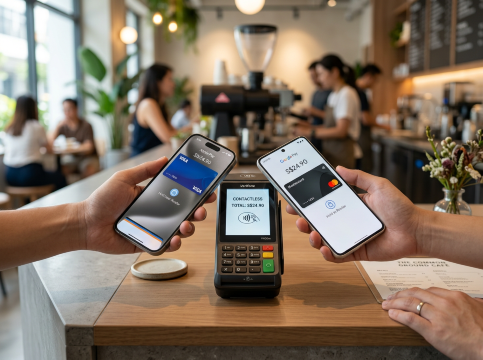
At most contactless payment terminals in Singapore (those displaying the contactless wave symbol), both Apple Pay and Google Pay are accepted equally, as both use NFC technology. This includes major retailers, food courts, transport cards, and online checkouts. Some older NETS terminals may have specific compatibility differences. Overseas, acceptance is broadly similar, though Apple Pay has an edge in certain markets like the USA, while Google Pay's QR code support gives it an advantage in some Asian markets.Can I use Apple Pay or Google Pay to book hotels and flights?
Yes — both Apple Pay and Google Pay can be used for online travel bookings on supported platforms. Apple Pay works seamlessly in Safari on iPhone and Mac, while Google Pay is supported in Chrome and Android apps. When booking through Trip.com, Singapore travellers can use their preferred digital wallet for quick, secure checkout on flights, hotels, and travel packages — no need to manually enter card details every time.What is the difference between Google Pay and Google Wallet?
Google Wallet is the app you download on your Android device that stores your payment cards, loyalty cards, boarding passes, and transit cards. Google Pay is the payment service that processes your transactions when you tap to pay or check out online. In everyday use, the terms are often used interchangeably, but technically Google Wallet is the digital container and Google Pay is the payment network. Google has been consolidating these under the Google Wallet branding since 2022.
Disclaimer: This article has been provided by an individual contributor or third party platform. If there is any discrepancy regarding the copyright, please contact us directly and we will delete the content immediately.
<h3>Find Cheap Travel Deals & Explore Destinations on Trip.com</h3>
Featured guides
- Trip.com Packing List
- China Power Bank Limit
- train to kl from singapore
- Japan Arrival Card
- Vietnam Arrival Card
- Singapore Public Holidays 2026
- China Entry Requirements
- Trip.com Customer Service
- Batam Arrival Card
- Best Translation App for China
- How to Get SIM Card in China
- Touch n Go App
- busan metro map
- 新加坡公共假期2026
- Trip.com VIP Lounge
- Big Transport from Tokyo to Fukuoka
- Frankfurt Airport to City
- Bangkok to Pattaya
Trip.com links
- Trip.com Promotion Codes
- Trip.com Flight Deals
- Trip.com Credit Card Promotions
- How to Book Cheap Hotels
- How to Book Cheap Flights
- Trip.com Member Rewards
- Trip Weekly Hotel Sales
- Online Hotel Booking
- Online Flight Booking
- Trip.com Travel Guide
- Book China Train Tickets
- Trip.com Seat Selection
- Singapore Public Holidays 2026
- Trip.com 优惠码
- Trip.com Travel Guides
- Trip.com 5.5 Mega Sale
About
Payment methods
Our partners
Copyright © 2026 Trip.com Travel Singapore Pte. Ltd. All rights reserved
Site Operator: Trip.com Travel Singapore Pte. Ltd. Travel License No. 02943
NO.1