
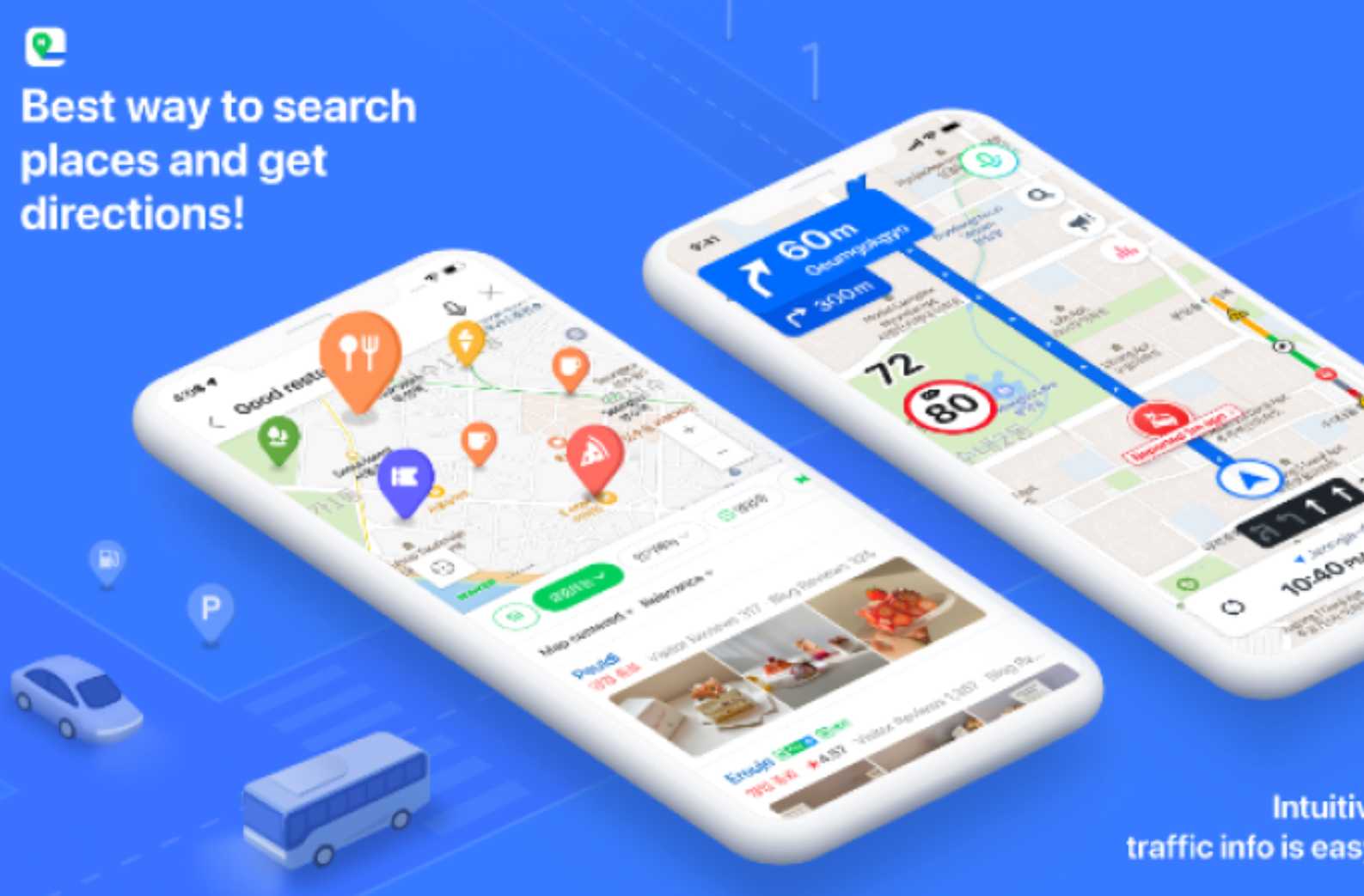
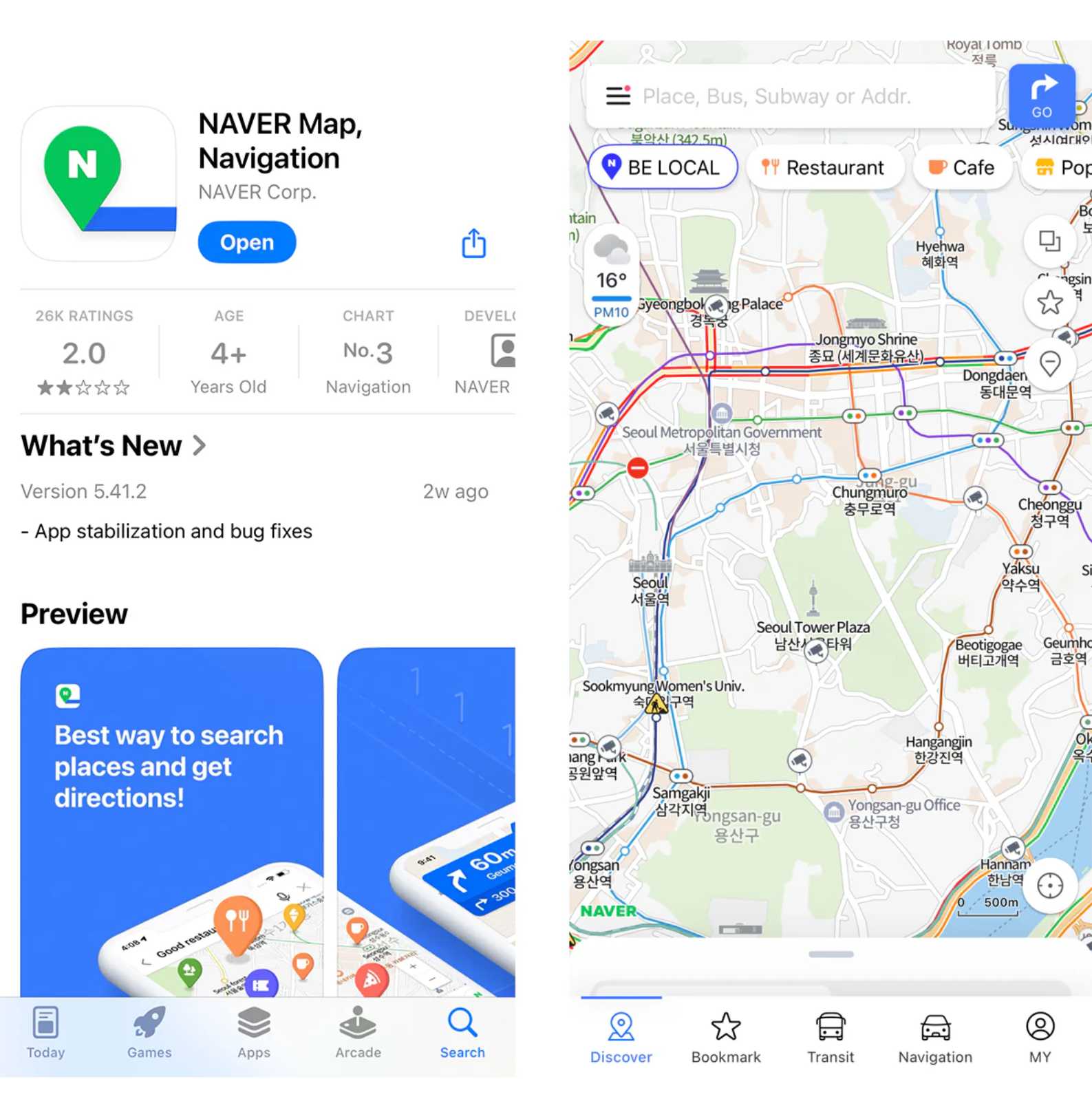
If you’re traveling in South Korea, the Naver Map app is one of the most essential tools you can download. Unlike Google Maps, which has limited navigation features in Korea,
Naver Map offers accurate directions, real-time public transport information, and detailed local listings.
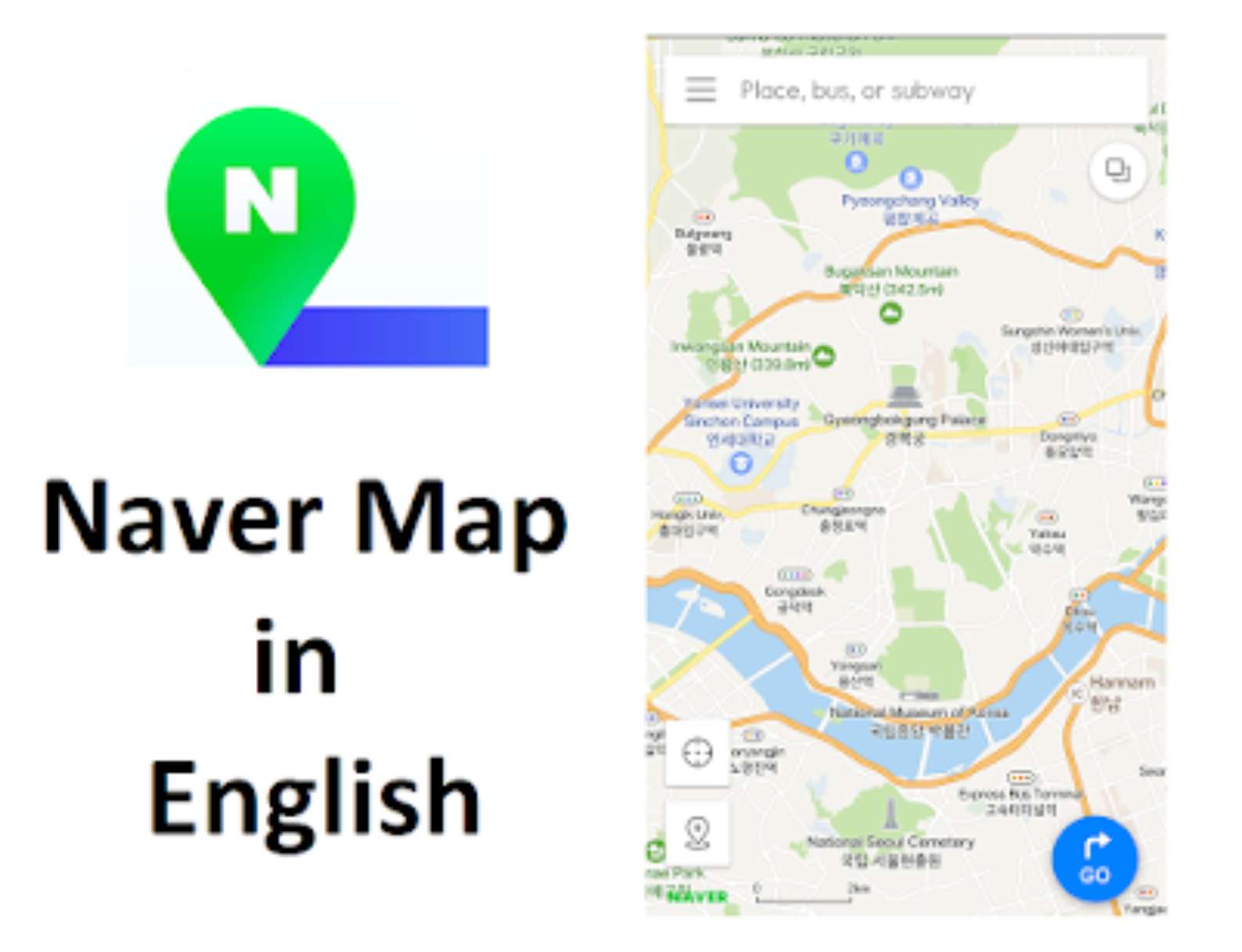
Best of all, there is a Naver Map English version, making it easy for international travelers to use.
This guide explains how to change Naver Map to English, how to use it effectively, and how it compares to Kakao Map.
What Is the Naver Map App?

Naver Map is a free navigation and mapping app developed by Naver, South Korea’s largest search engine company.
It is widely used by locals and is considered the most reliable map app in Korea for walking, driving, and public transportation.
For tourists, the Naver Map app is especially valuable because it supports English navigation, detailed subway exits, bus routes, and local business information.
Why Use Naver Map Instead of Google Maps in Korea?

Due to mapping data restrictions in South Korea, Google Maps has limited functionality, especially for turn-by-turn navigation. Naver Map, on the other hand, provides:
Naver Map Feature | What It Helps You Do |
|---|---|
Accurate Walking & Driving Directions | Navigate cities and neighborhoods with precise turn-by-turn guidance |
Real-Time Bus & Subway Schedules | Check live arrival times and plan routes efficiently |
Detailed Subway Exit Numbers | Find the correct station exits quickly, saving time and confusion |
Up-to-Date Store Hours, Menus & Reviews | Make informed decisions about where to eat, shop, or visit |
Korean Address & Place-Name Accuracy | Locate destinations accurately using official Korean mapping data |
Comparison of Naver Map vs Google Maps
Feature | Naver Map | Google Maps |
|---|---|---|
Walking Directions | ✅ Highly accurate in Korea | ⚠️ Limited accuracy |
Driving Navigation | ✅ Turn-by-turn navigation with live traffic | ⚠️ Restricted functionality |
Bus & Subway Schedules | ✅ Real-time schedules and arrivals | ❌ Limited or unavailable |
Subway Exit Numbers | ✅ Detailed exit and transfer info | ❌ Not provided |
Store Hours, Menus & Reviews | ✅ Frequently updated local data | ⚠️ Incomplete for many locations |
Korean Address Accuracy | ✅ Excellent (local data source) | ❌ Often inaccurate |
English Language Support | ✅ Full English interface | ✅ Full English interface |
Tourist Friendliness | ⭐⭐⭐⭐⭐ | ⭐⭐ |
Best Use Case | Travel within South Korea | Basic location search only |
Is There a Naver Map English Version?

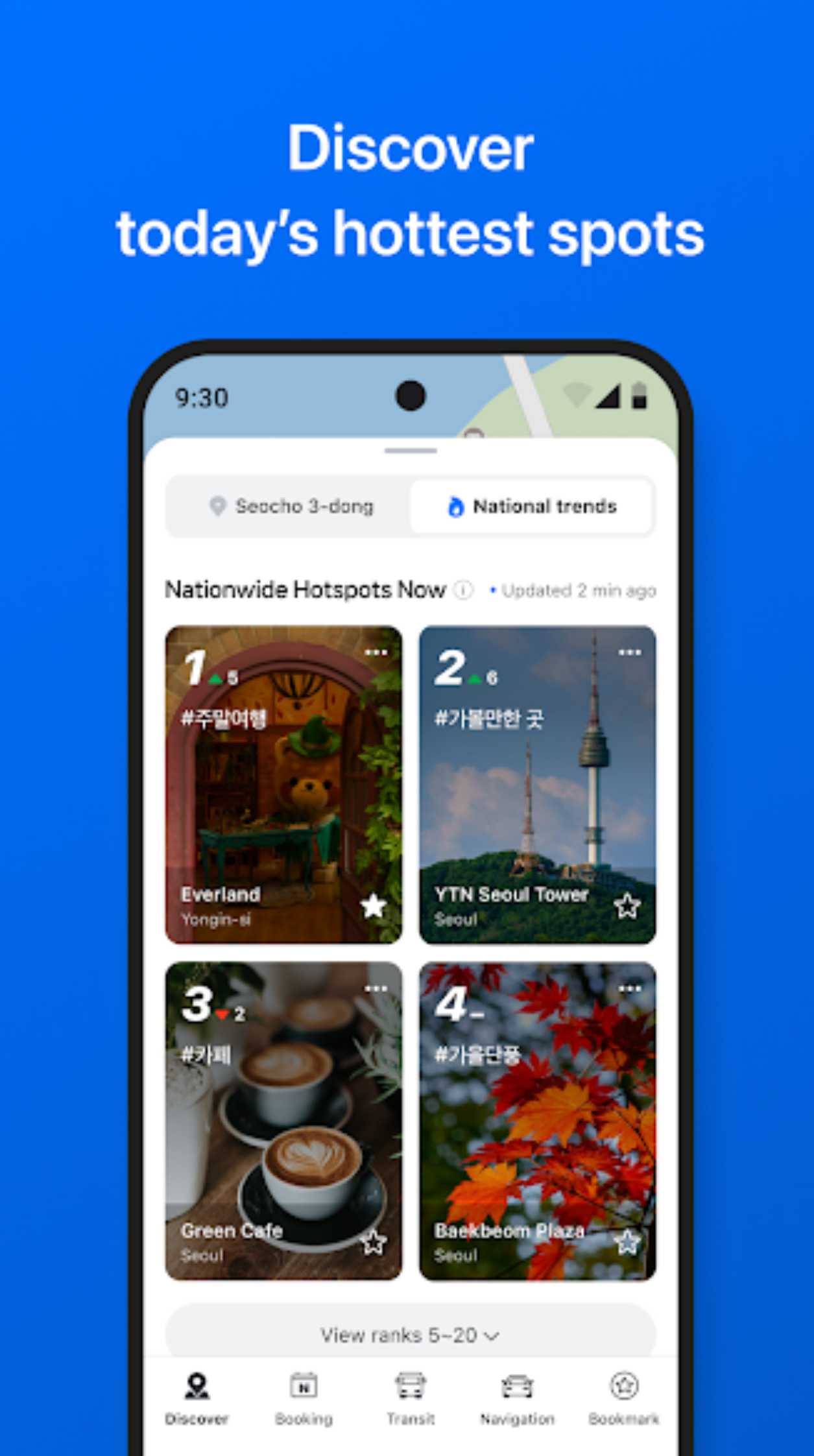
Yes. The Naver Map English version is available on both iOS and Android.
While some local reviews and place names may still appear in Korean, the core interface, directions, and navigation features are fully accessible in English.
This makes Naver Map English one of the best navigation apps for foreigners visiting Korea.
How to Change Naver Map to English
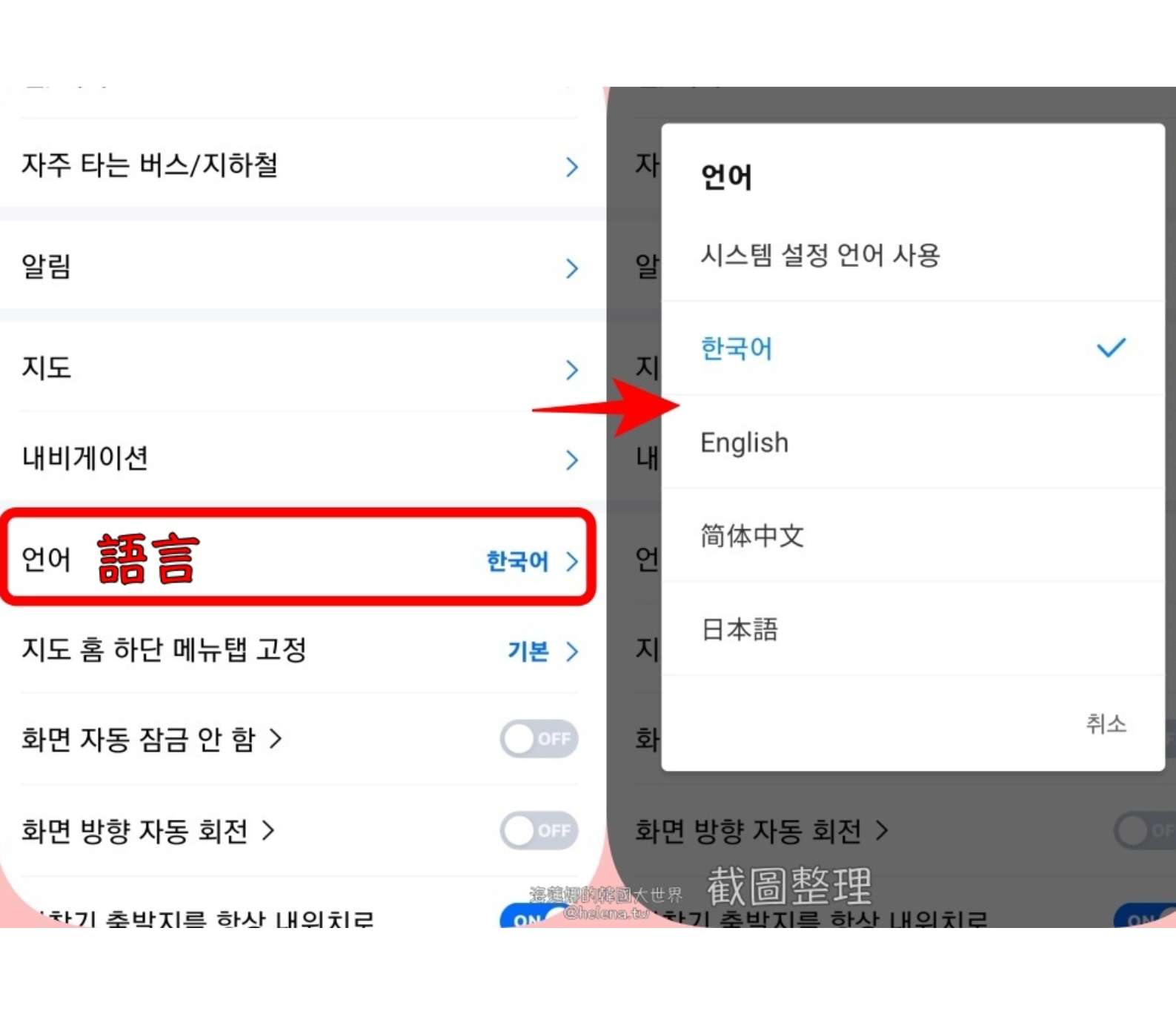
If your app opens in Korean, follow these steps to switch to English:
Step 1: Open the Naver Map App

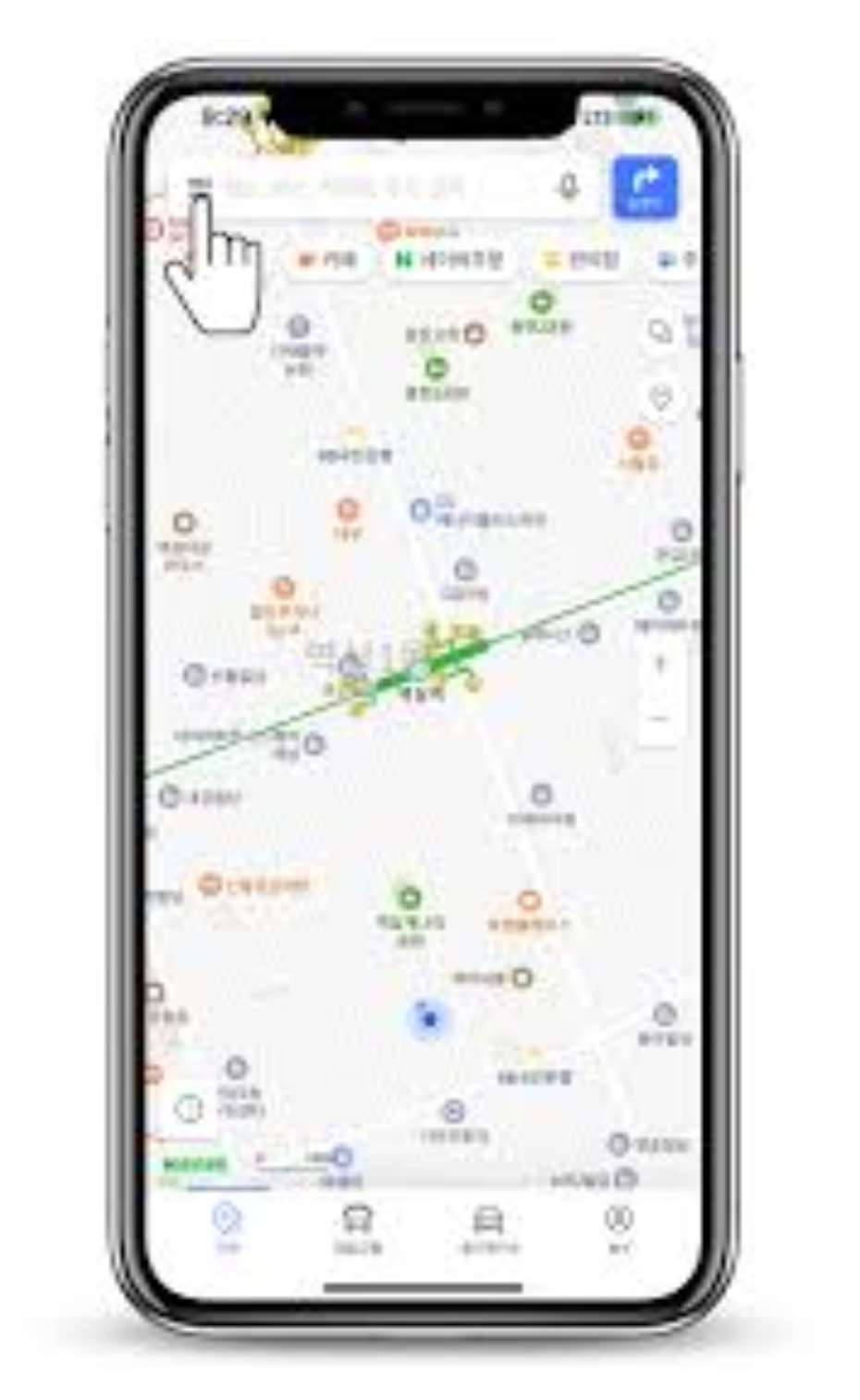
Step 2: Tap the menu icon (☰) or profile icon

Step 3: Go to setttings, select language and choose english

How to Use Naver Map in English

Even without knowing Korean, you can easily navigate Korea using the app.
Here’s how to use Naver Map in English effectively:
🔍 Searching Locations
- Search using English place names (e.g., “Gyeongbokgung Palace”)
- For better accuracy, copy and paste Korean names from hotel websites or Google Search
🚇 Public Transport Navigation
- Choose subway or bus routes with real-time arrival information
- View station exit numbers, transfer points, and last train times
🚶 Walking & Driving Directions
- Accurate walking routes with turn-by-turn guidance
- Driving routes with live traffic updates (ideal if renting a car)
📍 Saving Places
- Bookmark restaurants, cafes, and attractions
- Create lists to organize your trip itinerary
📍 Detailed Place Information
Search for restaurants, cafes, attractions, and shops with:
- Photos and user reviews
- Business hours and peak times
- Menus and pricing
- Phone numbers and directions
Many listings are more detailed than those found on other map apps.
🗺️ Offline Maps & Data Saving
Download map areas in advance to use basic navigation with limited internet access, perfect for travelers using pocket Wi-Fi or eSIMs.
⭐ Favorites & Route Saving
Save locations, create custom lists, and bookmark routes to access them quickly during your trip.
Is Naver Map Free and Safe?

Yes. Naver Map is completely free to use and is a trusted app used daily by millions of people in South Korea.
It does not require a Korean phone number to function and is safe for international travelers.
Special Offer: Exclusive Hotels Deal for New Users
From now until stock last, you can enjoy up to 10% off when you register as a member by desktop, mobile and app, click here to view more!
Naver Map vs Kakao Map: Which Is Better?

Both apps are excellent, but there are key differences for travelers.
- Choose Naver Map if you want better English support and ease of use
- Kakao Map is useful as a backup, especially for local searches
Feature | Naver Map | Kakao Map |
|---|---|---|
English Support | ✅ Strong | ⚠️ Limited |
Public Transport Info | ✅ Excellent | ✅ Excellent |
Tourist-Friendly Interface | ⭐⭐⭐⭐⭐ | ⭐⭐⭐⭐ |
Local Business Details | ✅ Very Detailed | ✅ Detailed |
Ease for Foreigners | ✅ Easier | ⚠️ Slightly harder |
Who Should Use Naver Map?

- First-time visitors to South Korea
- Tourists navigating Seoul, Busan, or Jeju
- Travelers relying on public transport
- Expats living in Korea
- Anyone struggling with Google Maps in Korea
Best Hotels in Seoul
Final Thoughts: Is Naver Map Worth Downloading?

✅ Absolutely.
If you’re visiting South Korea, the Naver Map app is essential.
With a reliable Naver Map English version, accurate navigation, and excellent public transport data, it’s the best way to get around Korea with confidence.
FAQ: Naver Map
Is Naver Map available in English?
Yes. The Naver Map English version is available on both iOS and Android. You can change the app language to English in the settings menu.How do I change Naver Map to English?
Open the Naver Map app, go to Settings → Language, select English, and restart the app if required.Is Naver Map better than Google Maps in South Korea?
Yes. Due to local mapping restrictions, Naver Map offers more accurate navigation, real-time public transport data, and detailed subway exit information compared to Google Maps.How do I use Naver Map in English?
You can search places using English names, follow English navigation instructions, and view public transport routes. For best results, copying Korean place names can improve accuracy.Naver Map vs Kakao Map — which is better?
Both apps are excellent, but Naver Map is more foreigner-friendly due to stronger English support. Kakao Map is popular with locals and useful as a backup app.Is the Naver Map app free to use?
Yes. The Naver Map app is completely free and does not require a Korean phone number to use.Does Naver Map work offline?
Limited offline functionality is available, but real-time navigation and public transport features require an internet connection.Is Naver Map safe for tourists?
Yes. Naver Map is widely used in South Korea and is considered safe and reliable for travelers.


NO.1