

How to Use Google in China

Author's Profile Picture
Google in China

In China, access to some overseas websites like Google and YouTube is restricted. In Singapore, you can check travel information, maps, and news, and it's a good idea to save any necessary information for your travel plans before you depart. By using a VPN or local apps, you can still access some services even while in China.

In this post, we’ll provide a detailed guide on how to access Google in China safely and efficiently using methods like VPNs and proxies, offering practical help for both travellers and business users alike.

Is it possible to access Google in China?

Can you access Google in China?

It's not possible with a standard Chinese internet connection. Since 2014, you haven't been able to access Google services via Wi-Fi or local SIM cards in China. This includes Google Search, Gmail, Google Maps, YouTube, and the Google Play Store.

However, you can access Google in China by using certain technical methods. This is mainly done by using an international roaming eSIM or a verified VPN.

❓Is Google blocked in China?

Yes, Google is officially blocked in mainland China. If you try to access a Google domain, your browser will typically display a "Connection Timed Out" or "Server Not Found" error.

❔Why is Google blocked in China?

Under China's Cybersecurity Law, platforms are required to comply with local data storage and content regulations. Since some global providers have yet to secure an operating license within China, they are unable to offer their services on local networks.

🎁 Search for the lowest fares on flights to China and popular China hotels right now!

🔥Exclusive Flights Deal: Save up to S$20 on Your First Booking!

Discover the world with Trip.com! Book cheap flights to destinations worldwide and enjoy S$5 off flight bookings over S$150 or S$20 off over S$450 (before tax). Start your journey today!

Shanghai
Beijing
Guangzhou
Chengdu
Chongqing
See all flights

How can I access Google in China?

How to use Google in China? Here are 2 tips

There are two main ways to access Google while travelling in China.

Method 1: Use a roaming eSIM (Recommended)

This is the most reliable and hassle-free method. When you use an international eSIM provided by Trip.com, your data is routed through servers outside of China (usually in Hong Kong or Singapore).

👉Can I use an eSIM without a VPN? Yes, you can! Because your data traffic is technically 'roaming' from abroad, it isn't subject to the restrictions that apply to local traffic.

  • Pros: Seamless experience, affordable price, and no battery drain from VPN apps.
  • Cons: Data rates might be more expensive than a local SIM card.

👉Step-by-step guide to using your eSIM:

  1. Purchase before you arrive: Check out our China-exclusive eSIM data plans.
  2. Installing your China eSIM: Please scan the QR code while connected to a stable internet connection. You can easily install and activate your eSIM directly using the QR code in the Trip.com app.
  3. Activating Your China eSIM: Upon arrival, set your eSIM as the primary data line and turn on Data Roaming.
  4. Connecting to the internet: Feel free to use Google, WhatsApp, or Gmail just like you normally do.

Method 2: Use a VPN (Not recommended while travelling)

For business travellers, the legal standard is to use a VPN provided by your employer (corporate VPN) or a service approved by the MIIT (Ministry of Industry and Information Technology of China).

  • Personal VPNs: While many travellers use personal VPN apps, regulations on unauthorized providers have been further strengthened in accordance with 2026 guidelines.
  • Compliance Tip: If you're using a VPN in China, please be sure to use it only for personal purposes and avoid distributing prohibited content. China's regulations are focused more on the provision and sale of unauthorized VPN services rather than travellers using personal VPNs to check emails or similar activities.
👀Pro Tip: To stay connected throughout your visit, consider getting a China eSIM. Just activate and go! New Trip.com members can get 5% off a variety of China eSIM products!

🔥Save More with Up to 5% OFF

Use our promo code to enjoy up to 5% OFF (up to S$3) on your attraction tickets, tours and eSIMs! Only for new users!

Mainland China 5G eSIM | 3 Carriers · All AI & TikTok | 1–365 Days | QR Code
4.6/5
8441 reviews
Installation is very simple, and you can connect immediately after activation. The signal is even good on Mount Hua, and there are no problems on flat ground. When traveling in China, the Internet is really important. Only with fast speed can you have no worries!
Mainland China/Hong Kong/Macau 5G eSIM | 5 Carriers · All AI | Day Pass/Total Data Package | 24-Hour Billing | QR Code
4.6/5
21847 reviews
I’ve been using this China Mainland eSIM for the second year in a row, and I honestly couldn’t be happier. The performance has been absolutely flawless! Excellent coverage, fast and reliable internet, and not a single issue throughout my travels. Everything just works seamlessly, exactly as it should. It’s rare to find a service this reliable, especially when travelling in China. I wouldn’t even consider switching to another provider.
Mainland China 5G eSIM | Supports Google Maps / ChatGPT | Daily/Total Data Plans | 24-Hour Billing | 1–365 Days | QR Code
4.6/5
29866 reviews
The esim was amazing, the connection was seamless and compatibility is top notch. I could set it up for hotspot for me and my friend. The best part is that most places have Wi-Fi so it’s easier to switch to Wi-Fi and back to data and it’s able to last throughout the trip. I highly recommend this esim to any traveler and you will not regret it.,
Mainland China/Hong Kong/Macau/Taiwan 5G/4G eSIM | Supports Google Maps / ChatGPT | Daily/Total Data Plans | 24-Hour Billing | 1–30 Days | QR Code
4.5/5
10644 reviews
I spent 5 weeks in the Guangdong area and Hong Kong. Speed was very good. I did not lose data connection at anytime even in rural farm areas.

Can't access Google in China? Here are some alternative apps!

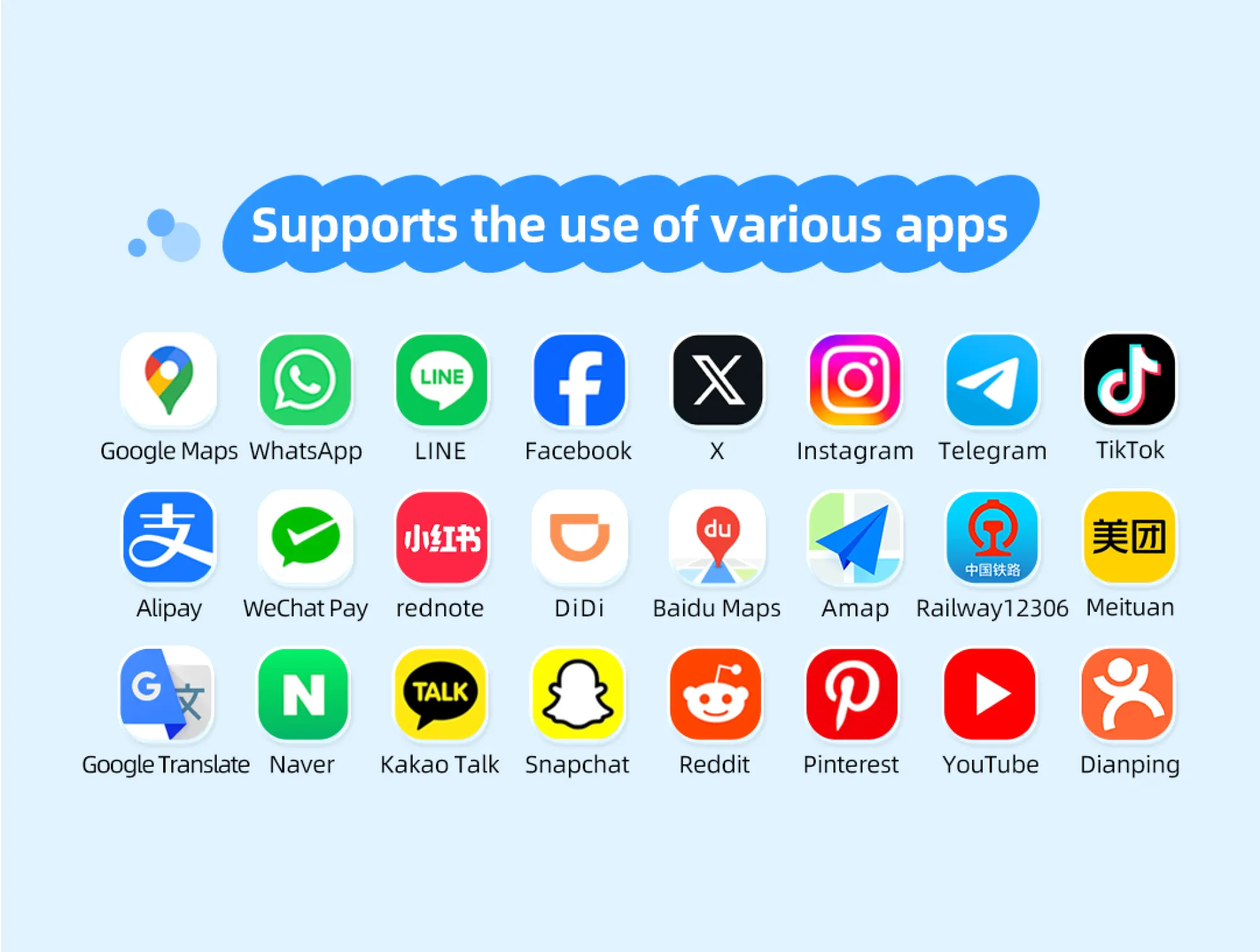
Apps you can use as alternatives if you can't access Google in China

Sometimes, even with a VPN, local Chinese apps often provide a better experience. We recommend downloading the apps below before your trip.

Global Services

Best local alternatives

Why use it

Google Maps

Apple Maps / Amap

Apple Maps uses local data and offers high search accuracy.

Google Search

Bing (cn.bing.com)

Accessible without extra tools, providing reliable results.

Google Translate

Baidu Translate

Features excellent Chinese-English (camera translation) and offline mode.

WhatsApp / Facebook

WeChat

An "all-in-one app" in China that's essential for payments and staying in touch locally.

YouTube

Bilibili / TikTok

Provides high-quality local video content. Bilibili is perfect for tutorials and vlogs.

Uber/Kakao T

DiDi (Global Version)

English interface supported, international credit card payments accepted.

These apps offer accurate local data and integrated regional features, such as taxi booking and finding great places to eat.

💡 In China, you can check for information using local apps like WeChat and Baidu.
💡 By checking travel information in advance and saving what you need for offline use, you can be well-prepared for any language barriers or internet restrictions.

Essential Information and Regulations for Travelling to China

How to Access Google in China

When travelling to China, tourists are generally allowed to use roaming services and personal VPNs for international communication and work, but always be mindful of local laws:

  • Content Compliance: Please do not post or distribute content that could be considered disruptive to public order or in violation of local administrative regulations.
  • Usage Scope: Approved communication tools (such as roaming eSIMs) must be used solely for personal and business communication purposes. Any attempt to provide or resell these services to others is strictly prohibited.
  • Real-name registration: If you're buying a local physical SIM card at the airport, you'll legally need to present your passport to complete the registration. Please keep in mind that unless you have a proper workaround in place, you won't be able to access Google with a local SIM card.
  • Secure Payments: For making payments, be sure to download Alipay or WeChat Pay. Both apps now allow you to link international cards (Visa/Mastercard) and are accepted for 99% of transactions within China.

Proper preparation is key to smooth internet usage in China. With the various methods introduced in this guide, anyone can safely access Google in China and continue searching for the information they need for travel or work without interruption.

FAQs About Using Google in China

Disclaimer: This article has been provided by an individual contributor or third party platform. If there is any discrepancy regarding the copyright, please contact us directly and we will delete the content immediately.
Alex

Alex

Asia Explorer

View profile

Hi, I’m Alex! I started travelling as a way to take a break from my busy work life, but over the years, it became my passion. From weekend getaways around Asia to longer journeys exploring different cities, I love researching hidden gems, trying local food, and creating practical travel plans. Through my travel guides, I hope to share tips and useful recommendations to help fellow travellers plan meaningful adventures.

70 articles
Asia Travel Travel Planning Hidden Gems
> >
How to Use Google in China