Trip.com Booking Fee Explained: Service Fees, Charges & How to Avoid Them

Author's Profile Picture
Trip.com Booking Fee

If you’ve ever booked flights or hotels online, chances are you’ve used Trip.com.

While prices often look competitive at first, many travellers notice an extra charge at checkout, commonly known as the Trip.com booking fee.

In this guide, we’ll break down what the Trip.com booking fee is, how much it costs, why Trip.com charges it, and how to reduce or avoid paying more than necessary.

What Is the Trip.com Booking Fee?

Find Manage My Bookings

A booking fee is an extra charge that Trip.com may add to your reservation price.

This is separate from the base price of the travel service itself.

This fee is separate from airline taxes, hotel taxes, or government charges, and it is collected by Trip.com, not the airline or hotel.

The Trip.com booking fee (sometimes called a Trip.com service fee) is a platform charge added to your total booking cost.

It covers:

What the Trip.com Booking Fee CoversDetails

Reservation Processing

Handling and confirming flight, hotel, or activity reservations

Payment Handling

Secure payment processing and currency conversion

Customer Service Support

Access to Trip.com customer support before and after booking

Ticket Issuance & Management

Issuing e-tickets, booking updates, and itinerary management

💸Important: And yes, the fee is real, but it’s usually disclosed before payment if you check the price breakdown carefully.

How Much Is the Trip.com Booking Fee?

Trip.com Price Fee

There is no fixed Trip.com booking fee. The amount depends on the type of booking, destination, and total cost.

The exact amount of the booking or service fee isn’t fixed, it is varies by:

  • Type of booking: Flights, hotels, train tickets, tours, etc.
  • Price of the travel product: Higher-priced bookings often have higher absolute fees.
  • Region and currency: International and domestic fees may differ.

Service fees often appear in the total price before you confirm your booking, so make sure to check the final amount before paying.

Typical Trip.com Service Fee Range

Booking TypeEstimated Trip.com Booking Fee

Flight tickets

SGD 14–41 per ticket

Hotel bookings

SGD 14–27 per night

Train tickets

SGD 7–20 per booking

Car rentals / activities

Varies by provider

💡Note: Actual fees may vary slightly depending on exchange rates, destination, and booking conditions. Fees may be higher for international bookings or last-minute reservations.

Other Charges to Watch Out for on Trip.com

Trip.com Download

Besides the Trip.com booking fee, travellers should be aware of these possible extra costs:

💳 Credit Card or Payment Fees

Some credit card or payment providers may charge an international transaction fee (often around ~1–1.5%) when you pay on foreign websites.

This isn’t a Trip.com fee, but it adds to your total cost.

🔄 Change & Cancellation Fees

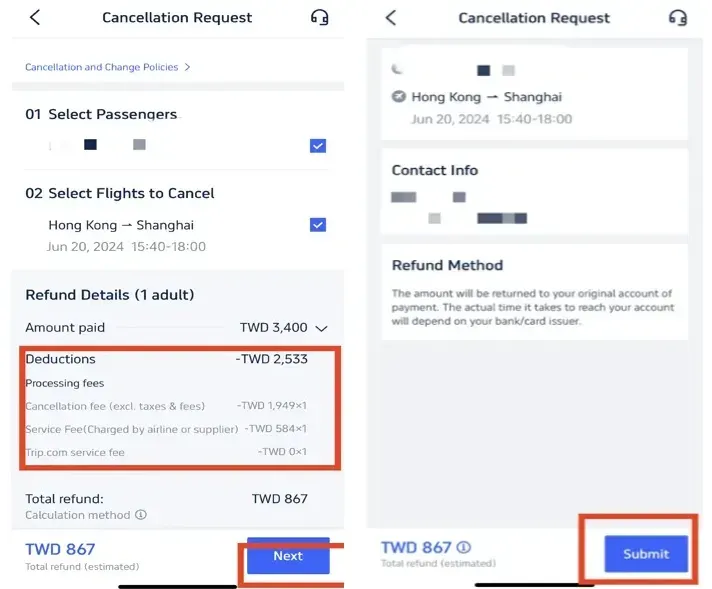
f you change or cancel a booking, Trip.com or the airline and hotel may charge a change or cancellation fee.

Sometimes Trip.com adds its own administrative handling fee on top of the supplier’s fee.

🧾 Add-On Fees

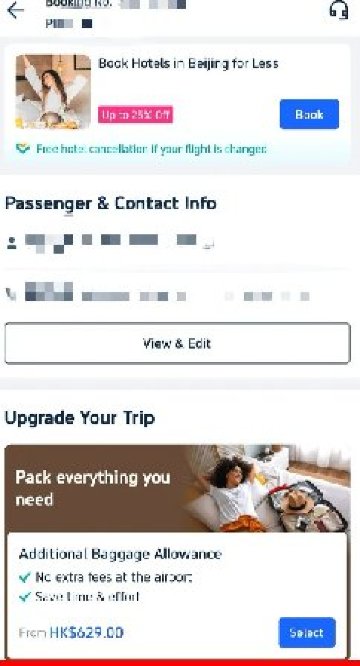
Airlines may charge extra for seat selection, checked baggage, or other add-ons, and these can appear separately from the Trip.com booking fee.

This fees are often not included in the initial price and can increase your final total.

🔥Value Hotel Deals & Discounts

Hunting for the best value hotels in Singapore and nearby holiday cities? Check out these budget-friendly options which are highly recommended by our users. What's more, enjoy additional price drop up to 55% OFF on selected hotels below.

Trip.com Promo Code Singapore: Value Hotel Deals

📅 Promotion period: Valid from now till end of 2026, or while stocks last.

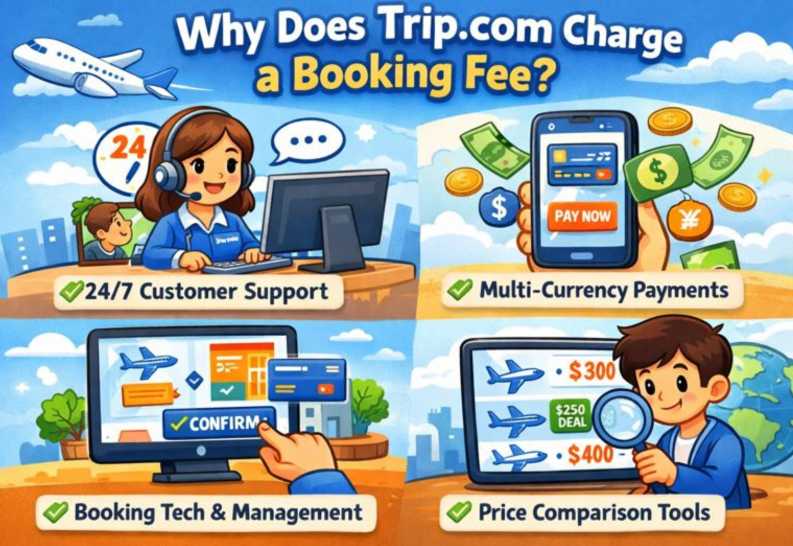
Why Does Trip.com Charge a Booking Fee?

Why Does Trip.com Charge Booking Fee

How to Reduce or Avoid Trip.com Booking Fees

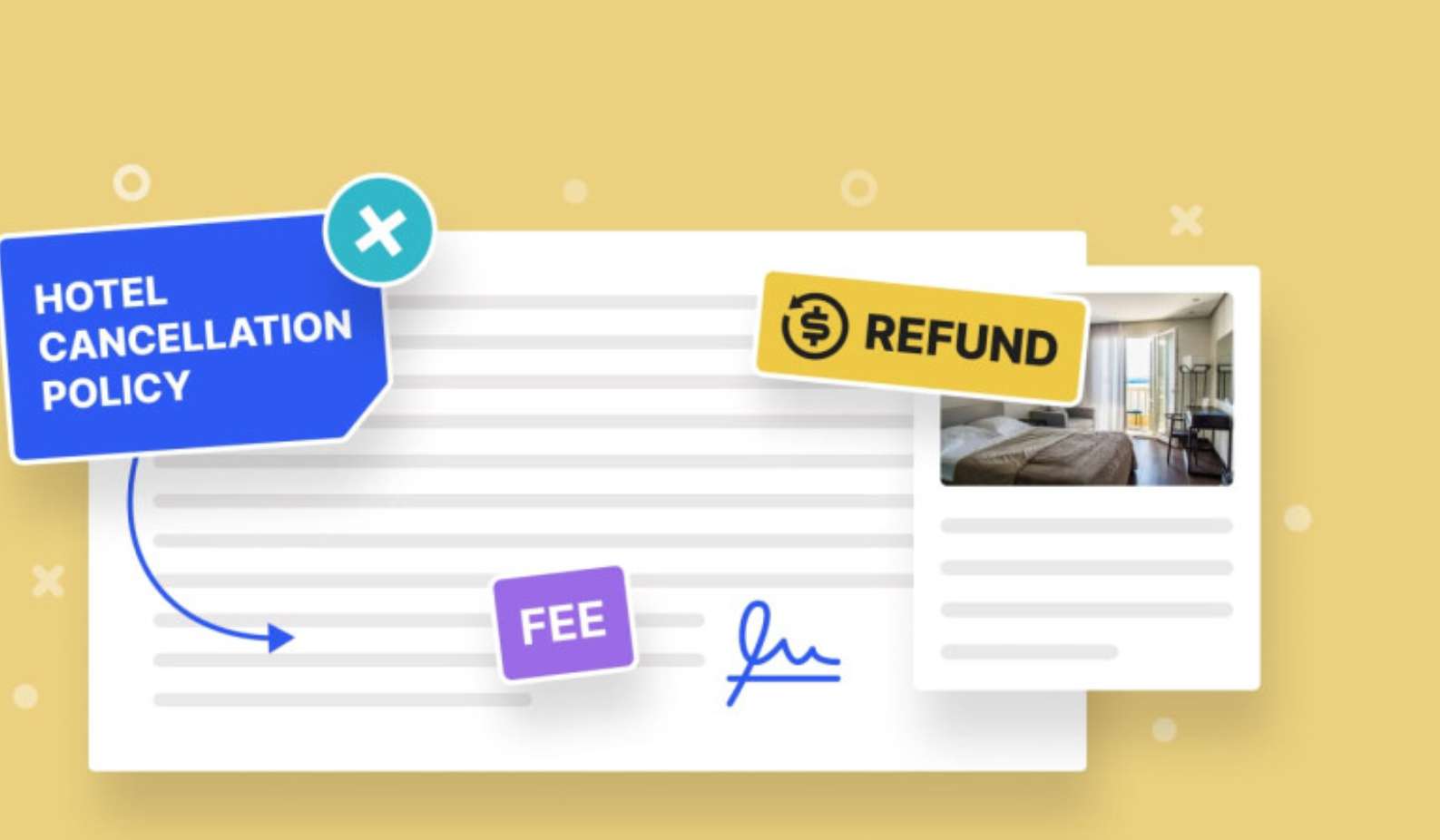
Hotel Cancellation Policy Fee

If you’re trying to book smarter, here are practical ways to lower your total cost:

🔍 Compare with Direct Booking

Always compare prices with:

  • Airline official websites
  • Hotel direct websites
How to Book Cheap Flights on Trip.com

Sometimes booking direct eliminates the platform service fee entirely.

👀 Check the Final Price Carefully

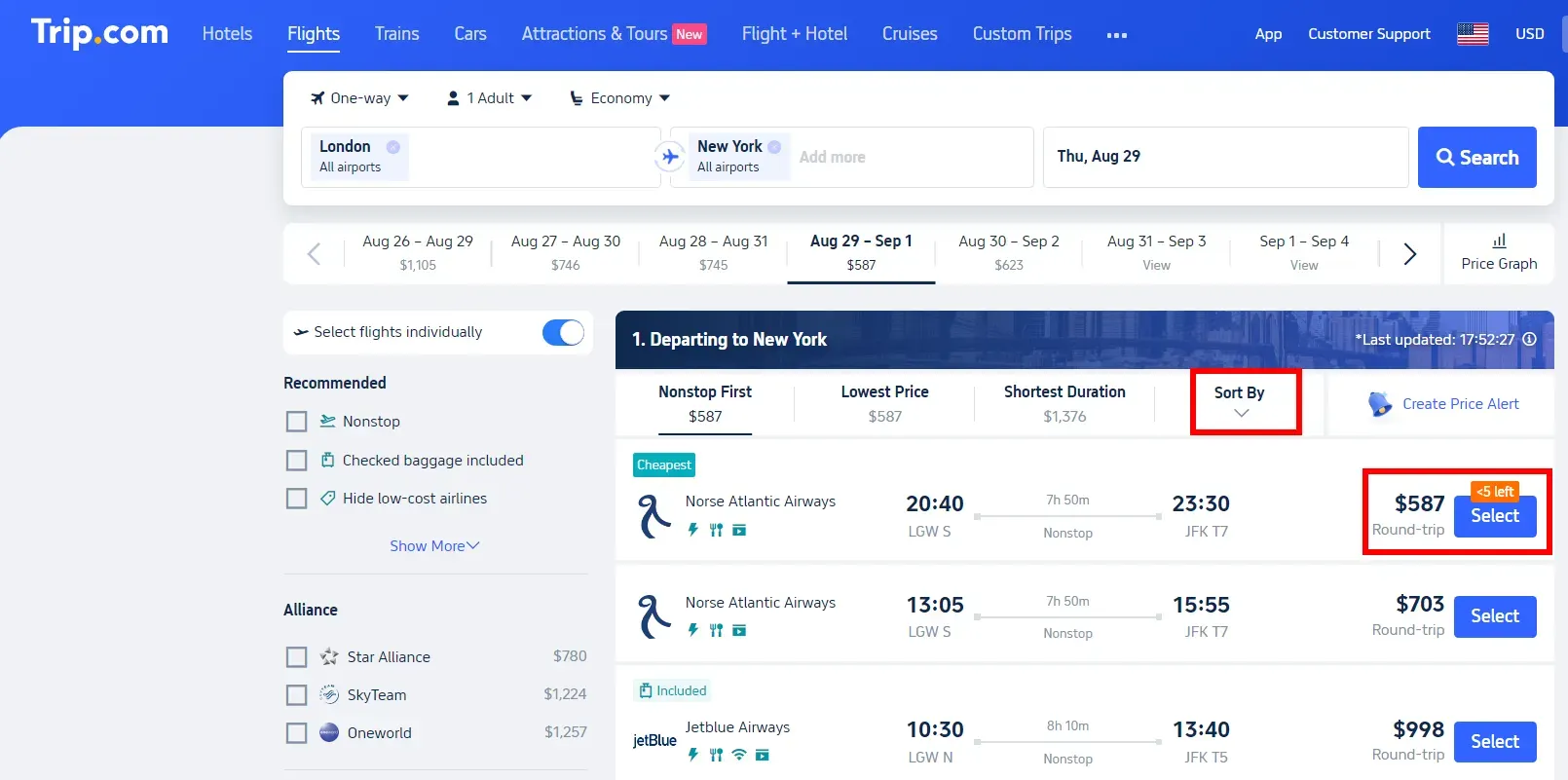
Trip.com shows the total amount before payment, including fees.

Scroll down and review the full breakdown before clicking “Pay”.

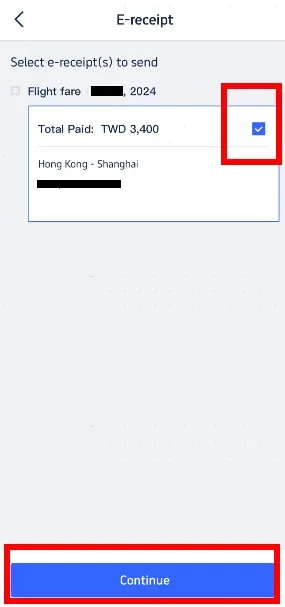
Payment Breakdown Fee

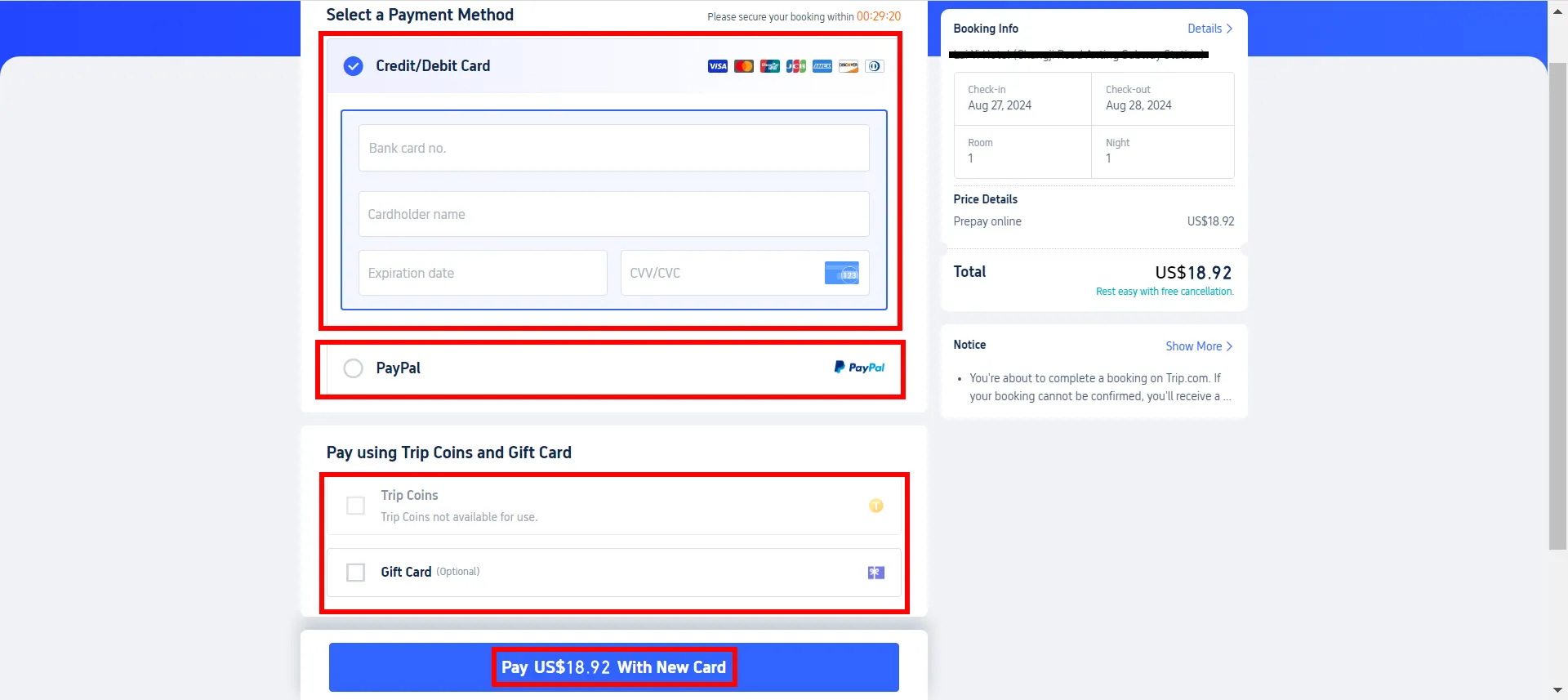
💳 Use Fee-Free Cards

Use credit cards with:

  • No foreign transaction fees
  • Cashback or travel rewards

This helps offset Trip.com service charges.

Payment Methods

🧾 Read Cancellation Policies

Choose bookings with:

  • Free cancellation
  • Low change fees

This avoids paying double penalties (supplier + Trip.com handling fees).

Cancellation Policy

Final Thoughts

Trip.com Download App

The Trip.com booking fee is a standard service charge applied to flights, hotels, and other travel bookings.

While it can increase the final price, it’s usually transparent if you review the checkout page carefully.

If you compare prices, choose the right payment method, and understand cancellation rules, Trip.com can still be a convenient and cost-effective way to book travel.

FAQ: Trip.com Booking Fee

  • What is the Trip.com booking fee?

    The Trip.com booking fee (also known as a service fee) is a platform charge added to your flight, hotel, or travel booking. It covers reservation processing, payment handling, customer support, and ticket management.
  • Does Trip.com charge a service fee on all bookings?

    Not always. Trip.com service fees vary depending on the booking type (flights, hotels, trains), destination, and booking value. Some deals may include the fee in the displayed price, while others show it at checkout.
  • Is the Trip.com booking fee refundable?

    In most cases, the Trip.com booking fee is non-refundable, even if your flight or hotel booking is cancelled. Refund eligibility depends on the specific booking’s cancellation policy.
  • Is Trip.com cheaper than booking direct?

    Sometimes yes, sometimes no. Trip.com may offer lower base prices or app-exclusive deals, but booking fees can offset savings. Comparing both options helps you find the best value.
  • Is Trip.com safe and reliable despite the booking fee?

    Yes. Trip.com is a well-established global travel platform used by millions of travelers. The booking fee supports customer service, secure payments, and booking management.
Disclaimer: This article has been provided by an individual contributor or third party platform. If there is any discrepancy regarding the copyright, please contact us directly and we will delete the content immediately.
>>
Trip.com Booking Fees
aaaa