
Google Pay has become one of the most convenient ways to pay in Singapore. Whether you are buying coffee, shopping online or travelling overseas, Google Pay lets you makess quick payments using Android phones or smartwatches.
With just a few taps, you can pay at thousands of stores, save loyalty cards and use it for travelling.
This guide covers everything you need to know about Google Pay.


What is Google Pay?
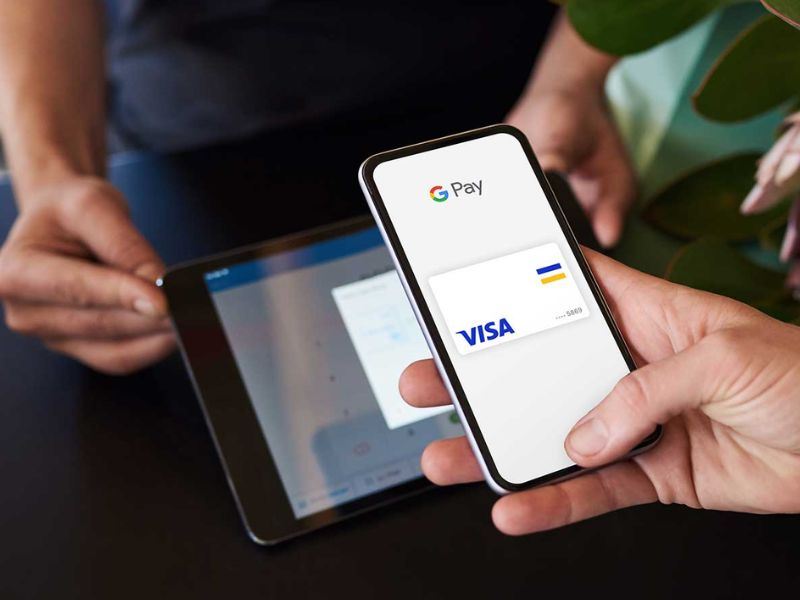
Google Pay is Google's digital wallet and payment service designed for Android devices. It allows users to make contactless payments, shop online, store payment cards and manage digital passes in one place.
Instead of reaching for your debit or credit card, you can simply unlock your phone and tap it at compatible payment terminals.
Google Pay has encrypted technology to help protect your information, making transactions both convenient and secure.
Why is Google Pay Popular in Singapore?
Singapore has embraced cashless payments, making Google Pay a practical choice for daily spending.
Some of the biggest reasons people use Google Pay include:
- Fast contactless payments
- No need to carry multiple bank cards
- Secure payment technology
- Widely accepted across Singapore
- Easy online checkout
- Compatible with many Android smartphones and Wear OS smartwatches
What Can You Do with Google Pay?
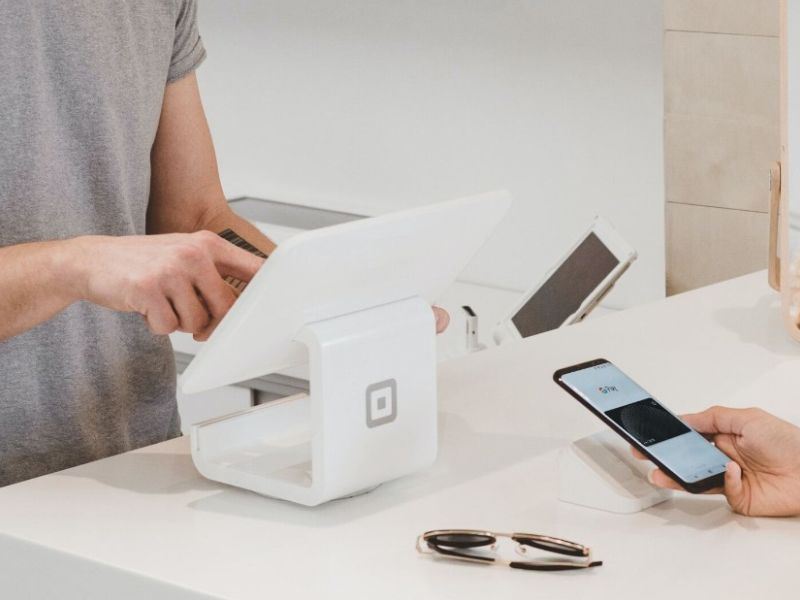
Google Pay is more than just a payment app.
Feature | What You Can Do |
Contactless payment | Pay by tapping your phone at supported terminals |
Online checkout | Complete purchases on supported websites and apps |
Store payment cards | Save eligible credit and debit cards securely |
Loyalty cards | Keep selected membership and rewards cards in one place |
Boarding passes | Store supported airline boarding passes |
Event tickets | Save eligible tickets digitally |
🔥Exclusive Flights Deal: Save up to S$20 on Your First Booking!
Discover the world with Trip.com! Book cheap flights to destinations worldwide and enjoy S$5 off flight bookings over S$150 or S$20 off over S$450 (before tax). Start your journey today!
Banks that Support Google Pay in Singapore
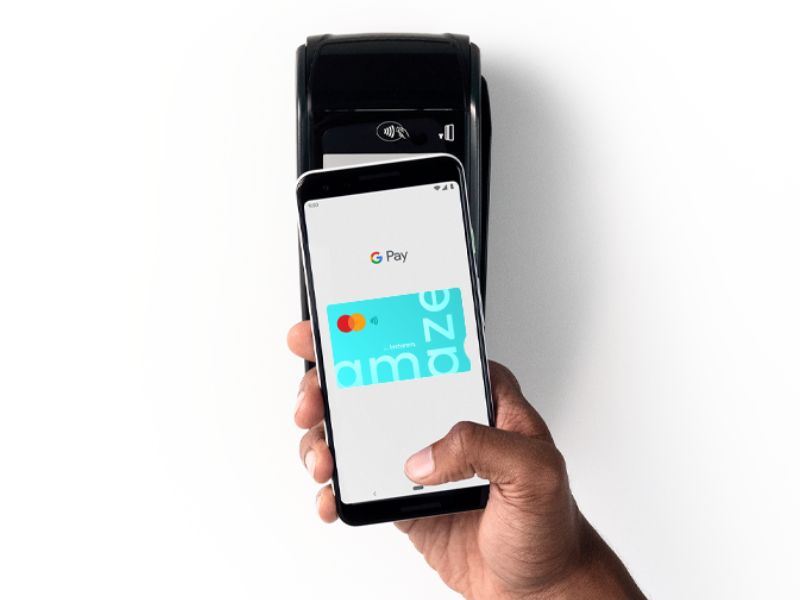
Many major banks in Singapore allow eligible Visa and Mastercard cards to be added to Google Pay.
Support may vary depending on the specific card type. Always check with your bank before adding your card.
Some commonly supported banks include:
- DBS
- POSB
- OCBC
- UOB
- Standard Chartered Singapore
- HSBC Singapore
- Citibank Singapore
- Trust Bank
How to Set Up Google Pay in Singapore
Getting started only takes a few minutes.
Step 1
Download Google Wallet from Google Play Store.
Step 2
Sign in using your Google account.
Step 3
Tap Add to Wallet section.
Step 4
Scan your eligible credit or debit card or enter card details manually.
Step 5
Complete your bank's verification process.
Step 6
Your card is ready for contactless payments.
🔥Unlock 8% OFF on Car Rentals
Whether you're planning a road trip, a business journey, or just need a reliable ride, now is the perfect time to save. Use the coupon to enjoy this exclusive offer. Rent a car today and hit the road with extra savings!
Where Can You Use Google Pay in Singapore?
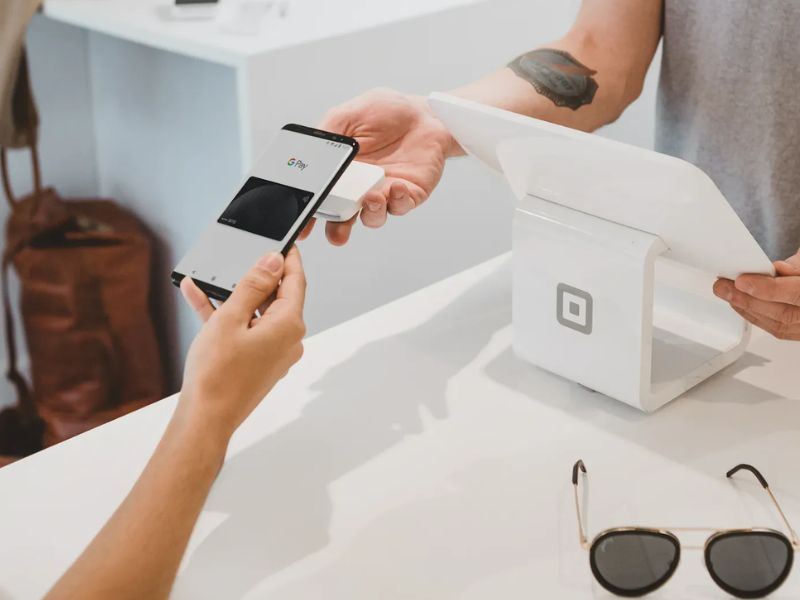
Google Pay is accepted at many businesses that support contactless payments.
If you see contactless payments symbol at checkout, there is a good chance Google Pay will work.
Common places include:
- Supermarkets
- Cafes and restaurants
- Convenience stores
- Shopping malls
- Pharmacies
- Fast food outlets
- Petrol stations
Can You Use Google Pay on Public Transport?
Yes.
With a valid payment card linked to Google Pay, all you need to do is tap your Android device at the MRT gates and the buses.
It makes things simpler because you don’t need to reload a transit card anymore.
Using Google Pay When Travelling
Google Pay is not limited to its utility in Singapore alone.
Providing your card allows you to transact internationally, you can pay via Google Pay in places where contactless payment is accepted.
Popular travel destinations where Google Pay is widely accepted include:
Destination | Contactless Payment Availability |
Japan | Very common in major cities |
South Korea | Common in shopping centres and convenience stores |
Australia | Widely accepted |
United Kingdom | Very common |
United States | Accepted at many retailers |
Malaysia | Increasingly available at major merchants |
 NO.1
NO.1






































Is Google Pay Safe?
Yes. Google Pay includes several security features designed to protect users.
To increase security, always make sure your phone stays up to date and use fingerprint or face recognition if it is available.
Security measures include:
- Payment data encryption
- Device authentication
- Screen lock protection
- No sharing of your actual card while transacting with merchants
- Card deletion remotely if you lose your phone
🔥Exclusive Hotels Deal: Up to 10% OFF for New Users
Discover the world with Trip.com! Book the perfect hotel anywhere in the world and get an unbeatable 10% discount if you're a first-time user! Download our app now and start planning your next trip with ease.
Google Pay Tips for Travellers
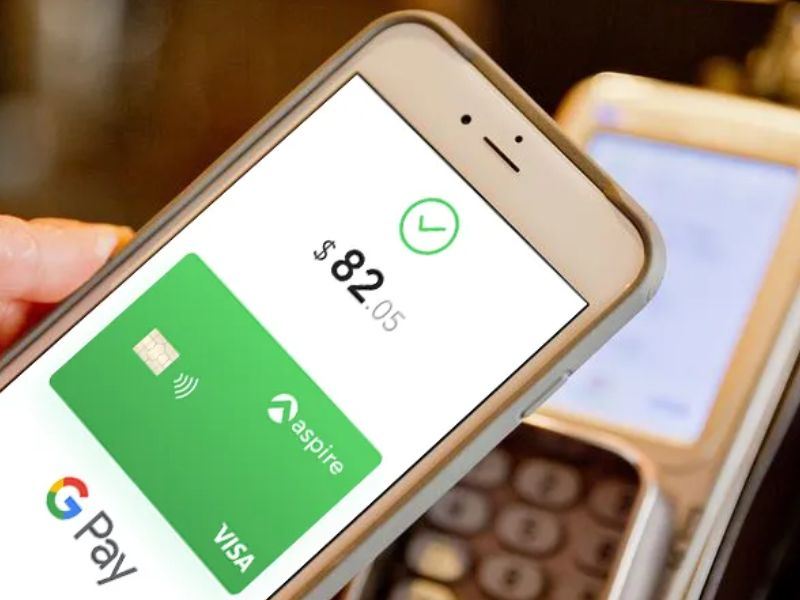
- Make sure to notify your bank if necessary before traveling abroad.
- Check whether your card allows international payments.
- Carry a physical backup card in case of any unforeseen situation.
- Keep your phone sufficiently charged throughout the day.
- Download offline maps and other travel documents prior to leaving.
- Save digital boarding pass in Google Wallet for quicker airport access.
🔥Save More with Up to 5% OFF
Use our promo code to enjoy up to 5% OFF (up to S$3) on your attraction tickets, tours and eSIMs! Only for new users!
Google Pay vs Physical Cards
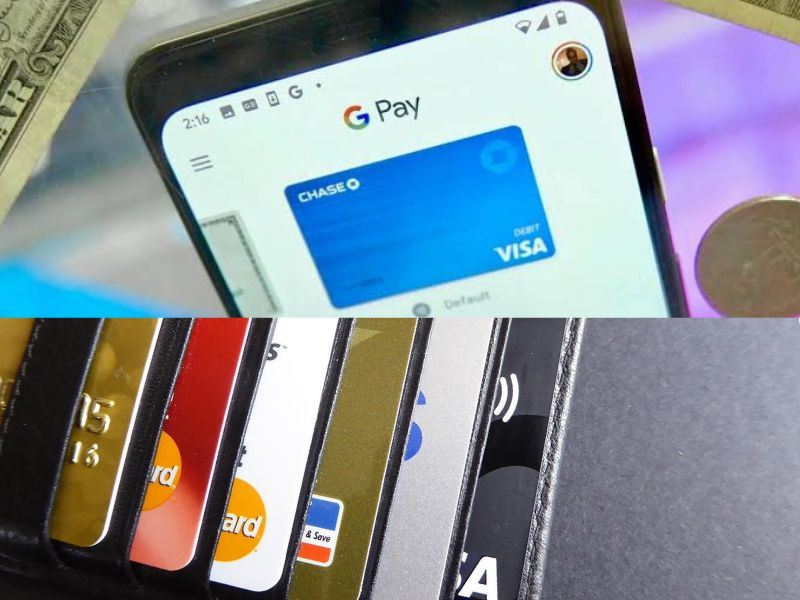
Google Pay | Physical Card |
Stored digitally | Requires carrying a wallet |
Contactless payments | Contactless if card supports NFC |
Easy to manage multiple cards | Multiple cards take up wallet space |
Protected by phone security | Protected by card PIN where applicable |
Convenient for travel | Good as a backup payment option |
Final Thoughts
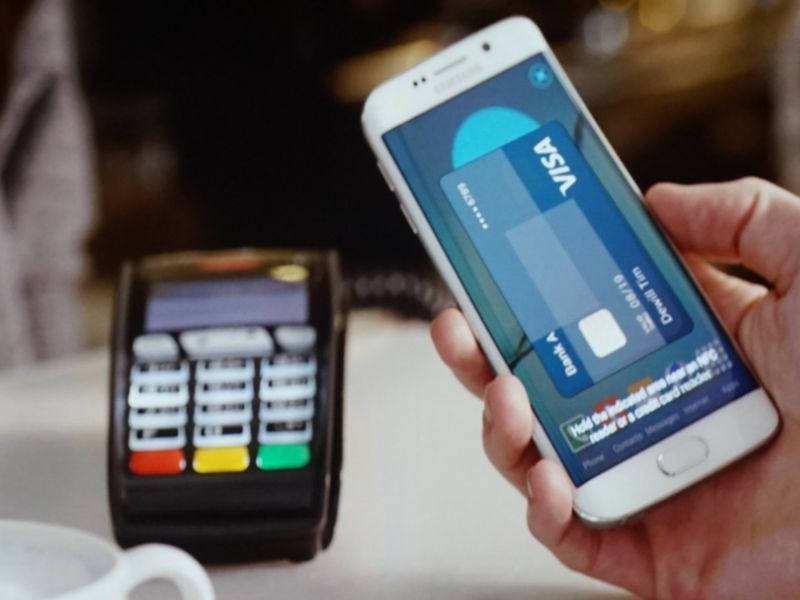
The introduction of Google Pay has served as an effective payment tool for many individuals living in Singapore. For purchasing grocery items and going out to dine as well as to travel, it provides the ease of making payments through your Android device.
With widespread acceptance, good security, and support by various banks, Google Pay is very much in line with the cashless lifestyle of Singaporeans.
If you are going shopping on a daily basis or planning for your holidays, the use of Google Pay will provide convenience.

![[Authentic signature breakfast] Cash voucher for Ya Kun Kaya Toast in Singapore](https://ak-d.tripcdn.com/images/0351z12000tjx4n7y04FB_C_568_320.jpg)



FAQs: Google Pay Singapore
-
Is Google Pay available in Singapore?
-
Do I need an internet connection to pay with Google Pay?
-
Can I use Google Pay on an iPhone?
-
What should I do if I lose my phone?
-
Can I add multiple cards to Google Pay?