Trip.com App: The Easiest Way to Book Travel in 2026

By Trip.com
July 27, 2026

The Trip.com app is an all-in-one travel booking app that helps travelers easily find and book flights, hotels, and activities in one place while unlocking exclusive app-only discounts and savings.
Designed for both frequent and first-time travelers, it solves the hassle of comparing multiple platforms by offering competitive prices, real-time availability, and seamless trip management in a single, easy-to-use app.


What Is the Trip.com App?
The Trip.com App is a mobile travel platform that lets you manage every part of your trip in one place.
From booking affordable flights to finding last-minute hotels or exploring local tours, the app simplifies every step of your journey.
Key Features of the Trip.com App
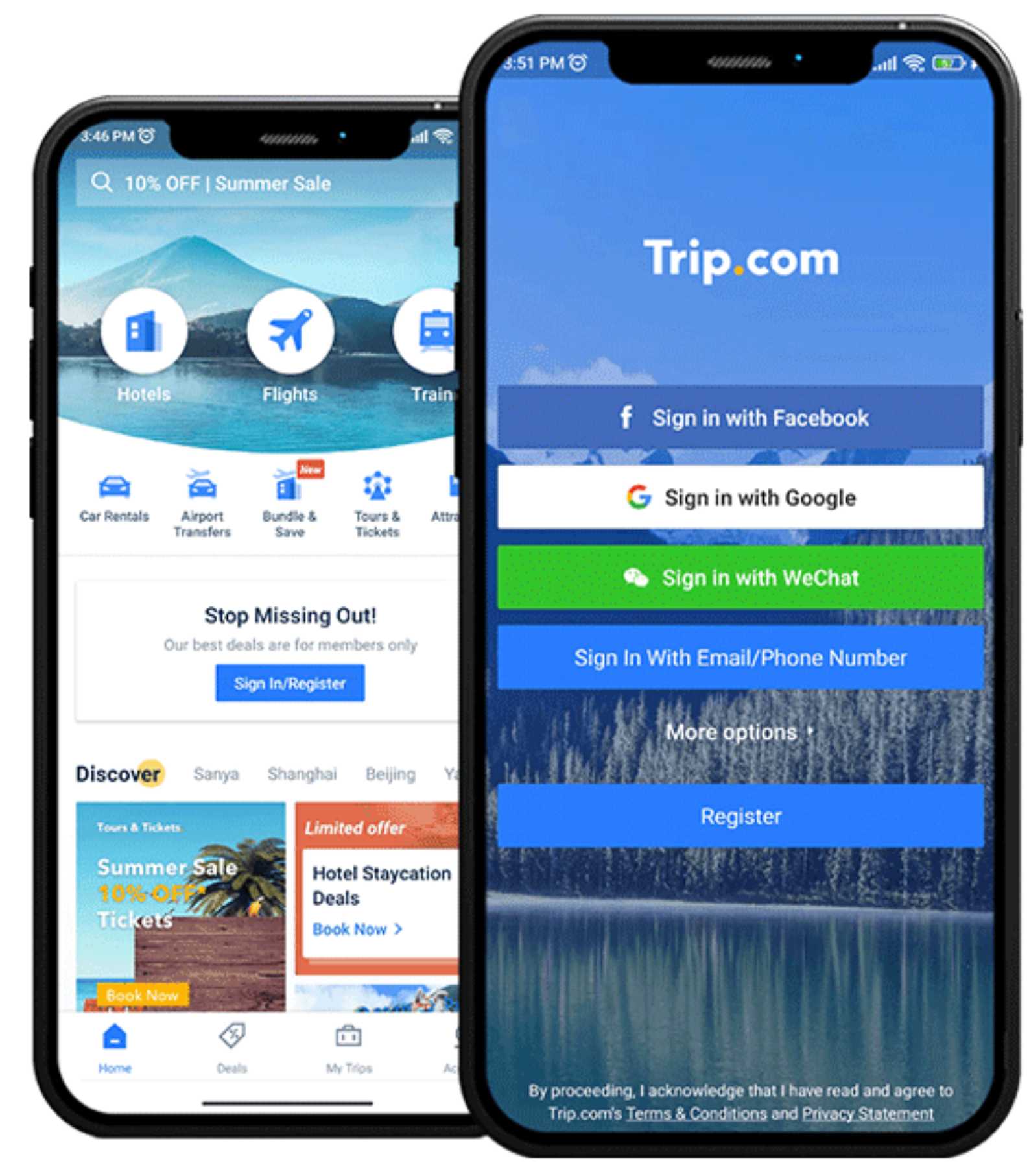
All-in-One Travel Booking
Book flights, hotels, trains, car rentals, and attraction tickets all within a single app. Trip.com eliminates the need to switch between multiple platforms, allowing you to manage your entire trip from start to finish in one convenient place.
Real-Time Notifications & Alerts
Stay informed with instant updates on flight delays, gate changes, cancellations, and booking confirmations. These real-time notifications help you stay ahead of schedule changes and travel with confidence and peace of mind.
Multi-Currency & Multi-Language Support
Designed for global travelers, the Trip.com app supports 20+ languages and 30+ currencies, making booking and payment seamless no matter where you’re traveling from or to.
24/7 Customer Support
Get around-the-clock customer service via live chat or hotline directly in the app. Whether you need help with a booking or assistance during your trip, support is always just a tap away.
Smart Flight & Hotel Price Alerts
Set personalized price alerts for flights and hotels. The app notifies you when prices drop, helping you book at the best time without constantly checking fares.
Trip Planner & Itinerary Management
All your bookings are automatically organized into a clear timeline view. Easily track flights, hotel stays, transportation, and activities at a glance for stress-free trip planning.
Trip Coins Rewards Program
Earn Trip Coins with every booking and enjoy exclusive member-only discounts. Redeem your rewards on future trips and unlock special deals to save even more.
Exclusive In-App Deals & Promotions
Access app-only discounts on flights, hotels, and attractions that aren’t available elsewhere, helping you get the best value on every trip.
Real-Time Flight Tracking
Monitor live flight status, including gate changes and delays, directly in the app, so you can adjust your plans and avoid last-minute surprises.
Book Everything in One App
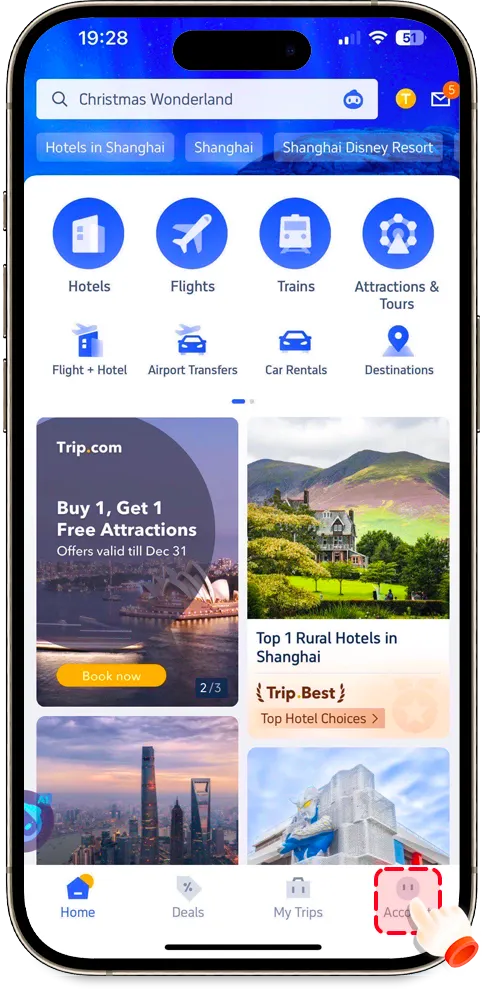
The Trip.com app brings together multiple services:
| Category | Description |
|---|---|
✈️ Flights | Compare fares from hundreds of airlines worldwide to find the best deals. |
🏨 Hotels | Access over 1.4 million properties globally with verified guest reviews. |
🚆 Trains | Book cross-country and international train tickets in regions like China, Japan, and Europe. |
🚗 Car Rentals | Choose from top global car rental providers with flexible pickup and drop-off options. |
🎟️ Attractions & Tours | Discover must-see attractions, day tours, and skip-the-line tickets for popular destinations. |
Trip.com App vs. Trip.com Website
| Feature | Trip.com App | Trip.com Website |
|---|---|---|
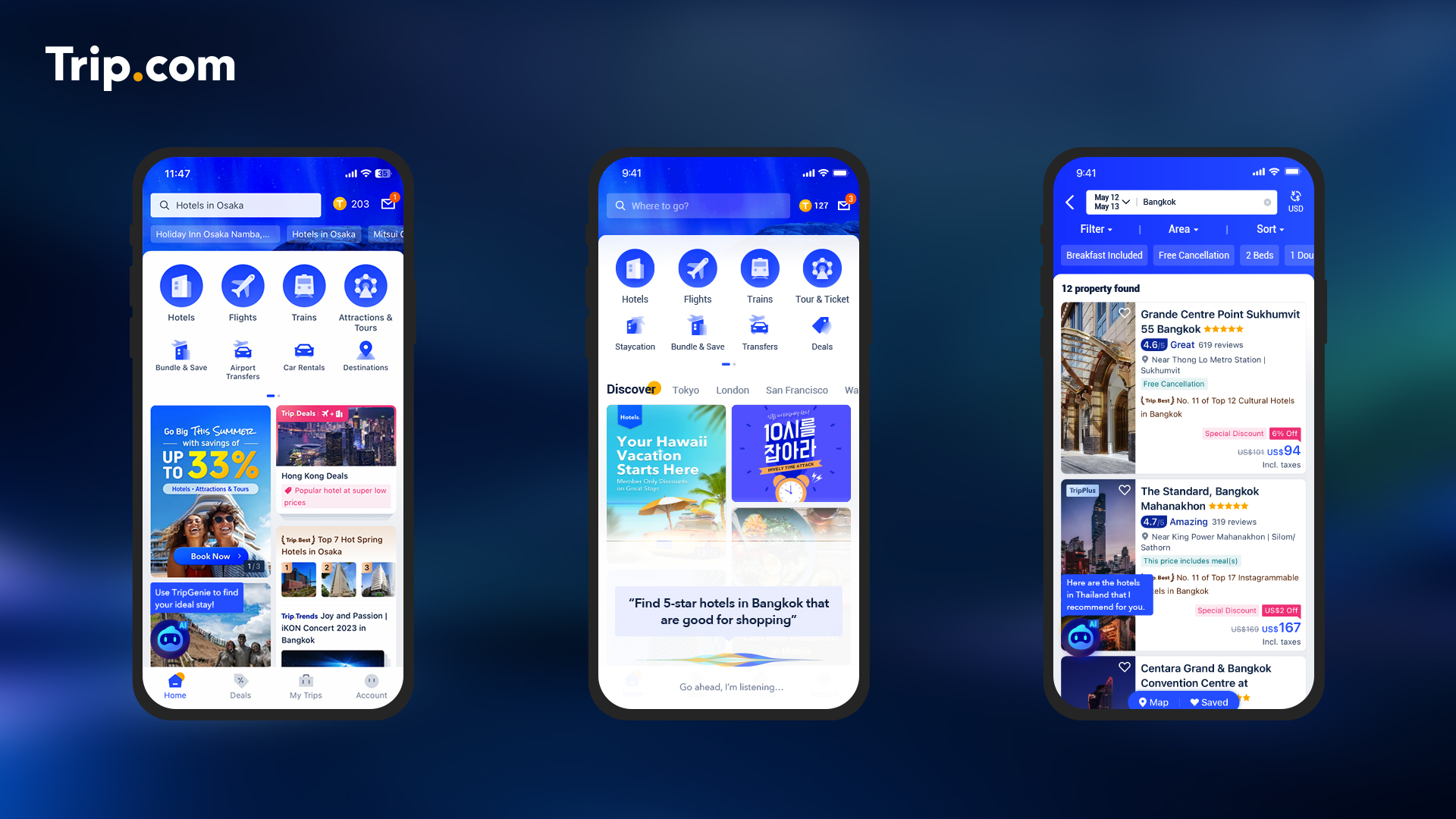
Booking Convenience | Designed for quick, on-the-go bookings anytime via mobile | Better for detailed planning on a larger screen |
Notifications | Real-time alerts for delays, gate changes, and price drops | No push notifications must check manually |
Deals & Discounts | Often includes app-exclusive promotions | May not show app-only deals |
User Experience | Mobile-friendly, fast, and optimized for travel days | Easier to compare many flights/hotels side-by-side |
Itinerary Access | Offline access to e-tickets, vouchers, and bookings | Requires internet and browser access |
Best For | Travelers who need fast updates, last-minute bookings, and portability | Travelers planning complex multi-city or multi-booking itineraries |
Recommendation: When to Use Which
- Use the App when you need flexibility, checking bookings on the go, getting flight alerts, managing last-minute changes, or accessing travel info when offline. (Full offline functionality may be limited depending on the booking type)
- Use the Website when planning a complex trip, comparing many options, adjusting multiple bookings, reviewing fine print, or when you want a clearer overview.
- For maximum convenience: you can combine both, start planning on the website, then switch to the app for real-time updates and travel-day management.
Trip.com App Customer Support
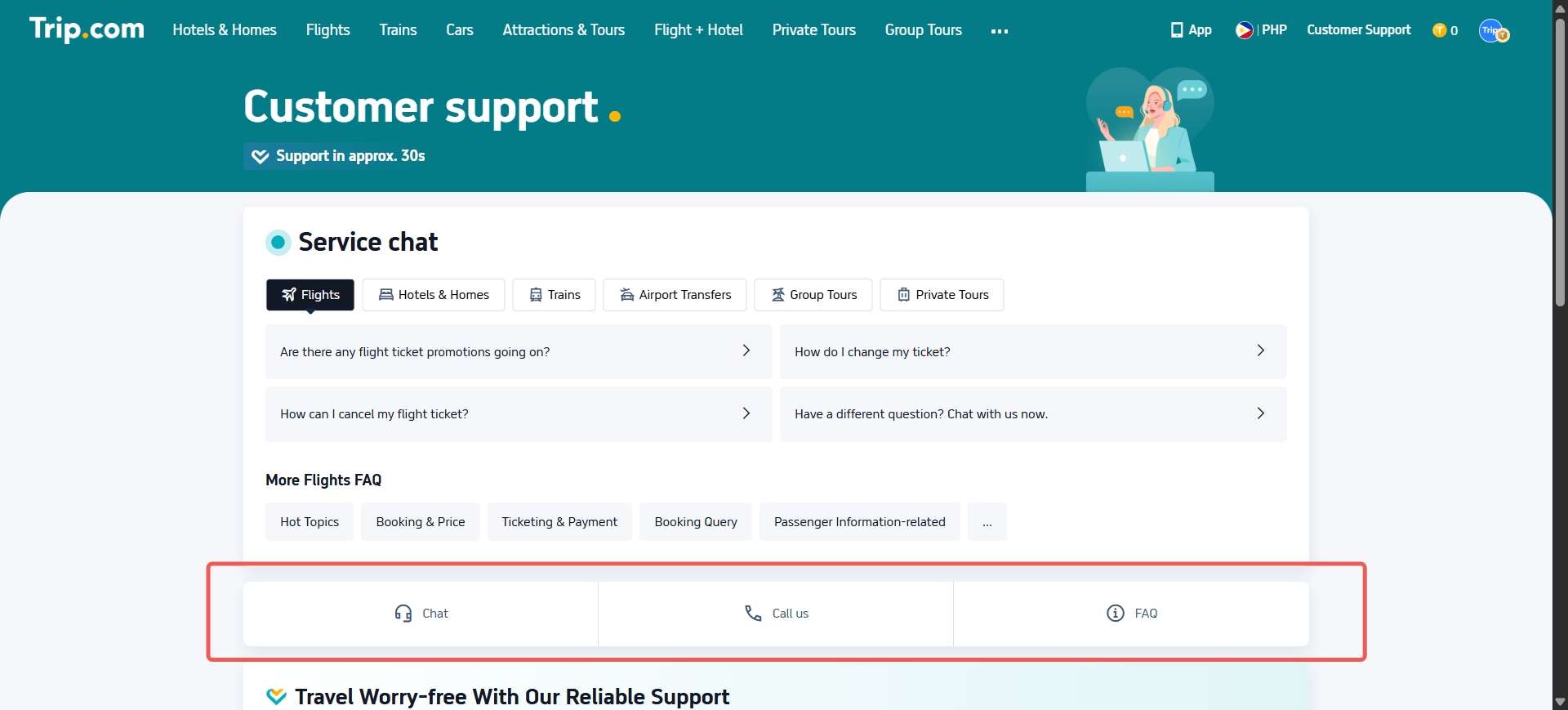
Need help with your booking? The app connects you instantly to Trip.com customer service chat or the Trip.com customer service number.
✅ Available 24/7
✅ Multilingual assistance (English, Chinese, Korean, Japanese, and more)
| Support Type | How to Access via App |
|---|---|
Live Chat | Go to “My Bookings” → “Contact Customer Service” → “Live Chat” |
Phone Support | Tap “Call Support” to reach your local hotline |
Is Trip.com App Safe?

✔️ Security & Legitimacy
- Trip.com is a well‑established travel company operating globally and has been around for many years. Independent safety checks show the website and services are legitimate and not a scam.
- It uses secure HTTPS encryption, which helps protect your personal and payment information when you book flights, hotels, and other travel services.
- Trip.com also works with trusted payment providers (like major credit cards and PayPal), which often include their own security and dispute protections.
✔️ App Ratings & Reviews
- On official app stores like Google Play and Apple App Store, the Trip.com app has high ratings, often between 4.4–4.8 stars, based on hundreds of thousands of reviews, a sign that many users find it reliable.
⚠️ What You Should Know Before Booking?
Although the app and company are generally safe and legitimate, some user experiences highlight areas to be mindful of:
Customer Service & Cancellations
- Some users report challenges with cancellation policies, refund timing, and customer support response times, especially for complicated itinerary changes or disputes.
- These issues are common with many third‑party booking platforms, not just Trip.com, but they’ve been frequent enough that travelers often recommend double‑checking cancellation and change policies before booking.
Mixed User Experiences
- Independent user posts online show a mix of experiences, many travelers report smooth experiences, while others describe difficulties (e.g., booking confirmations taking time or having to contact support to resolve issues).
- These varied reports do not necessarily mean the app is unsafe, just that customer experiences vary widely, and some people find issues with service or communication.
Why Download the Trip.com App?
- Save up to 50% on mobile-exclusive deals
- Manage bookings anytime, anywhere
- Get real-time updates and digital boarding passes
- Earn Trip Coins for every booking
- Access travel guides and nearby attractions instantly
Active Trip.com Promo Codes & Offers
The Trip.com app promo code feature allows travelers to save even more on flights, hotels, and attractions by applying exclusive discounts during booking. These promo codes are often app-only, making mobile users eligible for better deals than desktop users.
How to Find Trip.com App Promo Codes?
You can discover active promo codes directly inside the Trip.com app through these methods:
Where to Find Trip.com App Promo Codes | What to Look For |
|---|---|
App Home Page | Banners promoting limited-time deals, flash sales, or seasonal offers |
Deals & Coupons Section | Visit the “Coupons” or “My Rewards” area to view available promo codes |
Member Rewards (Trip Coins) | Earn exclusive discounts and reward credits after completing bookings |
Push Notifications & Emails | Enable alerts to receive flash sale notifications and special promo codes |
Special Campaigns | Look out for holiday sales, flight flash deals, and new user promotion |
How to Apply a Trip.com App Promo Code?
Applying a promo code on the Trip.com app is quick and easy:
- Open the Trip.com app and search for flights, hotels, or activities.
- Select your preferred option and proceed to the checkout page.
- Tap on “Promo Code” or “Coupons” before payment.
- Choose an available promo code or enter one manually.
- Confirm the discount is applied, then complete your booking.
Your savings will be deducted instantly from the total price.
Final Thoughts
The Trip.com App is more than just a booking tool it’s your smart travel assistant. With everything from flight deals and hotel stays to itinerary management and real-time alerts, it’s designed to make every journey smoother.
Whether you’re flying solo, planning a family vacation, or managing a business trip, the Trip.com App gives you everything you need, all in one place.
FAQ: Trip.com App
-
Is the Trip.com app free to use?
-
How do I download the Trip.com app?
-
Can I manage all my bookings on the app?
-
Does the app support digital boarding passes?
-
What are Trip Coins and how do I earn them?
-
Can I contact customer service via the app?
-
Does the app offer exclusive deals?
-
Is the Trip.com app legitimate?
-
Is the Trip.com app safe to use?
-
Can you trust bookings made on Trip.com?
Find Cheap Travel Deals & Explore Destinations on Trip.com
-
Popular Content
-
Top Flight Links
-
Popular Hotels
-
Popular Things to Do
-
Featured guides
-
Trip.com links
- Trip.com Customer Service
- Trip.com VIP Lounge
- Buy Now Pay Later
- Trip.com Contact
- Trip.com Cancellation Policy
- Best Credit Cards
- How to Use Trip com Promo Codes
- Singapore Airlines Baggage Allowance
- scoot-baggage-allowance
- How to Book a Student Flight Ticket
- luggage size cabin
- Singapore Airlines Change Flight
- Best Day to Book Flights
- Trip.com Flight Refund
- Flight Classes Explained
- CA490 Flight Status
- MU2434 Flight Status
- SQ869 Flight Status
- MU7705 Flight Status
- ZG053 Flight Status
- QG523 Flight Status
- CA1651 Flight Status
- Cheap tickets from Singapore to Shanghai
- Plane tickets from Singapore to Kuala Lumpur
- Cheap tickets from Singapore to Fukuoka
- Cheap tickets from Singapore to Bangkok
- Plane tickets from Singapore to Seoul
- Plane tickets from Singapore to Manila
- Plane tickets from Singapore to Tokyo
- Cheap tickets from Singapore to Bengaluru
- Hotels near Hefeinan Railway Station
- Hotels near Hongcun Aju Theater
- Hotels near Johor Bahru Senai International Airport
- Hotels near Zixiao Palace
- Hotels near Beijing Road
- Chengdu Hotels
- Tokyo Hotels
- Kuala Lumpur Hotels
- Kunming Hotels
- Phu Quoc Island Hotels
- Hotel Les Matins de Paris
- Ramada by Wyndham Seoul Dongdaemun
- Mercure Guangzhou Beijing Road Pedestrian Street Hotel
- Airport International Hotel (Xuzhou Guanyin Airport)
- Atour Hotel (Chengdu Taikoo Li)
- Malaysia 5G eSIM | Supports mainstream apps including TikTok, Google Maps & ChatGPT | Day Pass/Total Package | 24H Billing | 1-30 days | QR code
- Singapore 4G eSIM | Supports Google Maps / ChatGPT | Daily/Total Data Plans | 24-Hour Billing | 1–30 Days | QR Code
- Vietnam Airport VIP Fast Track Service
- VIP Fast Track service for immigration clearance at Tan Son Nhat Airport in HCM
- Foreign Tourist Day Tour: Panda Valley / Dujiangyan / Mt Qingcheng / Blue Tear / Chengdu
- Huanglongjiuzhai Railway Station - Jiuzhaigou | Departure/Return | Rideshare/Private Charter | Bus/Nanny/5-9 Seater Business | Shuttle Bus | Vehicle Type Optional | Any Combination | T
- Guilin Yangshuo Impression Liu Sanjie Landscape Performance + Complimentary Exclusive Coffee Drink - Pick Up at Designated Restaurant
- Mainland China 5G eSIM | Day Pass/Total Data Package | ChatGPT Available | 24-Hour Billing | 1-365 Days | QR Code
- San Jose Day Tours
- Okinawa City Day Tours
- France Tours with Hotel Pickup
- Albania Airport Services
- Osaka Cultural Experience
- Berlin Cultural Experience
- Boracay Island Travel Services
- China Power Bank Limit
- Trip.com Customer Service
- train to kl from singapore
- Shanghai Metro
- China Train Map
- 中国地图
- Hong Kong Public Holidays 2027
- China Entry Requirements
- train from singapore to jb
- China Plug
- Thailand Plug
- Taiwan Plug
- universal studios singapore tickets
- Renew Autopass Singapore
- Singapore Public Holiday 2027
- Big Transport from Tokyo to Fukuoka
- Frankfurt Airport to City
- Osaka Station to Kyoto Station
- Trip.com Promo Code
- Trip.com Flight Deals
- Trip.com Credit Card Promotions
- How to Book Cheap Hotels
- How to Book Cheap Flights
- Trip.com Member Rewards
- Trip Weekly Hotel Sales
- Online Hotel Booking
- Online Flight Booking
- Trip.com Travel Guide
- Book China Train Tickets
- Trip.com Seat Selection
- Singapore Public Holidays 2027
- Trip.com 优惠码
- Trip.com Travel Guides
- Trip.com 10.10 Mega Sale