

One of the most popular options is GrabPay, a mobile wallet integrated within Grab app.
GrabPay is a convenient payment method that can be used for dining, shopping, transport, online purchases, and more.
If you're new to GrabPay or wondering whether it's worth using, here is a simple guide for you to know for daily spending.
Understanding GrabPay
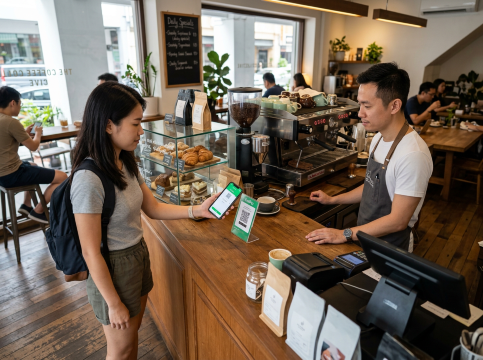
GrabPay is a digital wallet offered through the Grab app that lets you pay without using cash or physical cards.
You just use your phone to make payments quickly. You can add money to your GrabPay wallet using a bank account, debit or credit card.
Places You Can Use GrabPay
GrabPay is widely accepted across Singapore, making it a convenient payment option for everyday spending.
Many merchants in Singapore now support SG QR, allowing users to pay with GrabPay through a single QR code system.
You can use GrabPay at many places across Singapore including:
- Restaurants, cafes and food courts
- Supermarkets and convenience stores
- Shopping malls and retail stores
- Beauty, spa and wellness centres
- Online stores and e-commerce platforms
- Grab services such as GrabFood, GrabMart, and Grab rides
Register and Set Up GrabPay
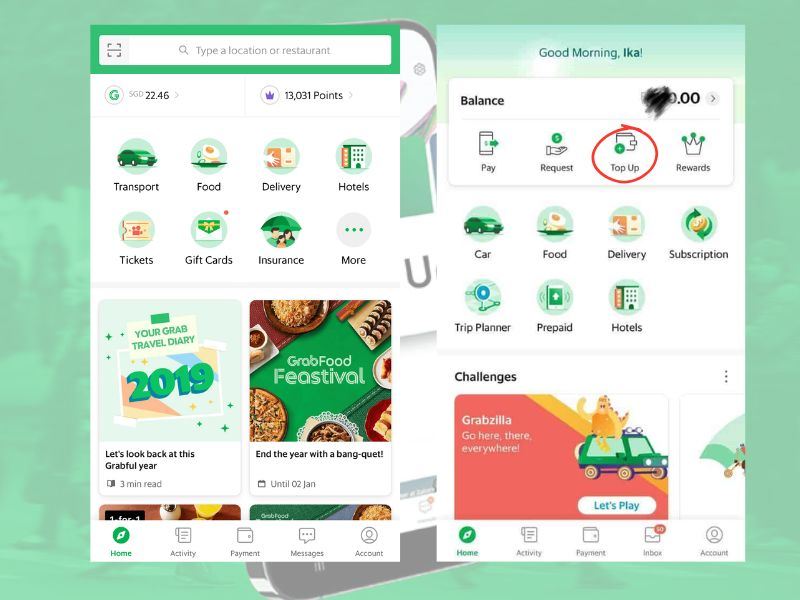
Getting started with GrabPay is quick and easy. If you're a new user, follow these steps to create your Grab account and activate your GrabPay Wallet.
- Download the Grab app from the App Store or Google Play Store.
- Open the app and register using your mobile number.
- Verify your account with the SMS code sent to your phone.
- Complete your profile details and set up your account.
- Navigate to the Payments or Wallet section in the app.
- Follow the on-screen instructions to activate your GrabPay Wallet.
How GrabPay Works
To get started with Grabpay is easy. You need to download, make account and activate you GrabPay wallet.
After topping up the wallet, payments can be made in several ways:
- Scan a merchant's SGQR or GrabPay QR code
- Present your personal GrabPay QR code for merchants to scan
- Pay directly within Grab services such as rides, food delivery, and grocery orders
- Use GrabPay for selected online purchases and partner platforms
Topping Up Your GrabPay Wallet: Methods Available
Before making payments, remember you'll need to add funds to your wallet.
1. Debit or Credit Card
Steps:
- Open the Grab app.
- Go to Wallet.
- Tap Top Up.
- Add or select your debit or credit card.
- Enter the amount you'd like to top up.
- Confirm the transaction.
Funds are usually added instantly.
2. PayNow
Steps:
- Open the Grab app and select Top Up.
- Choose PayNow as your top-up method.
- Follow the instructions provided in the app.
- Complete the transfer through your banking app.
- Once successful, the funds will appear in your wallet.
3. Internet Banking
Steps:
- Log into you internet banking account.
- Select the transfer option in Grab.
- Follow the instructions provided and confirm the transaction.
- Wait for the money to be credited to your GrabPay wallet,
🚨Always check the latest supported top-up methods within the Grab app, as available options may change over time.
Security Features of GrabPay
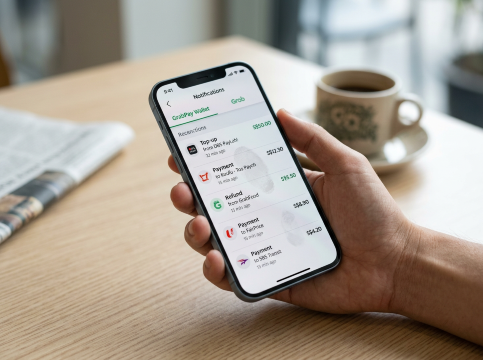
GrabPay has several built-in features designed to keep your account and transactions safe while making cashless payments.
Some of the key security features include:
- PIN and biometric authentication – Secure account with fingerprint, facial recognition, a PIN which help with preventing unauthorised access to your wallet.
- Real-time transaction notifications – Grab sends instant alerts whenever a payment or wallet activity occurs which allow you to spot any unusual transactions.
- Encrypted payment technology – Payment information is protected using encryption that helps to keep personal and financial data secure during transactions.
- Account verification measures – Users may be required to verify their identity for certain account activities as it has an extra layer of protection.
- Fraud detection and monitoring systems – Grab continuously monitors transactions for suspicious activity and may take action if anomalous behaviour detected.
🚨Pro Tips: To further protect your account, it's a good idea to enable two-factor authentication (2FA), use a strong and unique password, and regularly update your Grab app to ensure you have the latest security enhancements.
🔥Save More with Up to 5% OFF
Use our promo code to enjoy up to 5% OFF (up to S$3) on your attraction tickets, tours and eSIMs! Only for new users!
Benefits of Using GrabPay
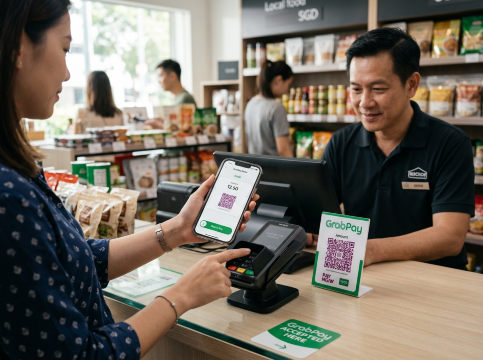
Convenient Cashless Payments
Payments are quick to just using a smartphone, reducing the need to carry cash or multiple cards.
Earn Rewards on Spending
Eligible transactions earn GrabRewards points, which can be redeemed for vouchers, discounts, and other perks.
Seamless Integration with Grab Services
Users can pay for rides, food delivery, groceries, and other Grab services with one wallet.
Easy Expense Tracking
The app records transaction history automatically, making it easier to monitor spending habits.
Wide Merchant Acceptance
You can use GrabPay to buy things you need every day as it has the support of thousands of merchants over Singapore.
GrabPay vs Other Digital Payment Options in Singapore
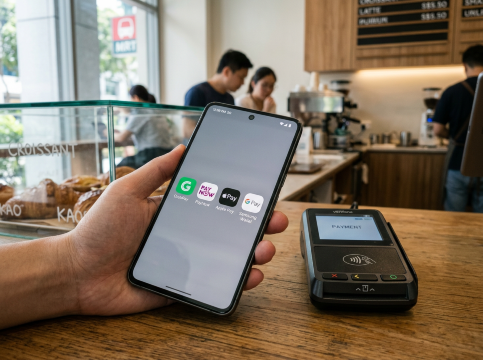
Singapore offers several popular digital payment solutions, including PayNow, Apple Pay, Google Pay, Samsung Wallet, and various bank mobile apps.
Payment Option | Best For | How It Works | Key Advantages |
GrabPay | Everyday spending and Grab services | Pay using the Grab app or QR codes at merchants | Earn GrabRewards points and enjoy seamless payments with participating merchants. |
PayNow | Bank transfers and peer-to-peer payments | Transfer money instantly using a mobile number, NRIC/FIN, or UEN | Send money directly without topping up a wallet and support most banks in Singapore. |
Apple Pay | Contactless payments for Apple users | Link eligible cards to Apple Wallet and pay with iPhone, Apple Watch, iPad, or Mac | Make quick contactless payment while benefiting built-in security features |
Google Pay | Contactless payments for Android users | Add eligible cards to Google Wallet and pay using Android devices | Pay easily in stores and online that works across many Android devices |
Samsung Wallet | Samsung device users | Store payment cards and pay via compatible Samsung smartphones and smartwatches | Combines payments, digital keys, and passes in one app, secure authentication features |
Bank Mobile Apps | Banking and bill payments | Use your bank's app for transfers, bill payments, and QR transactions | Pay directly from your linked bank accounts while access local payment services such as PayNow |
Final Thoughts
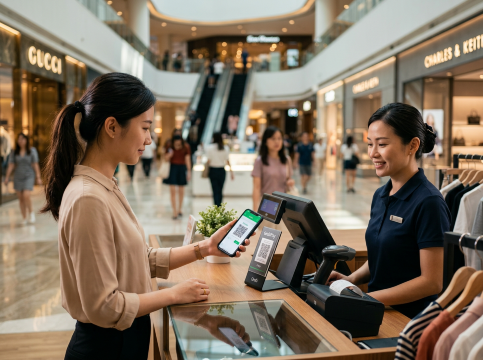
GrabPay is really popular in Singapore because it is easy to use and accepted many places.
You can use GrabPay to pay for a lot of things like transport, food even shopping, It is all in one place so you do not have to worry about carrying cash.
For Singaporeans who frequently use Grab services, the ability to earn rewards while making cashless payments makes GrabPay a practical and popular choice for daily spending
Explore Hotels in Singapore
5 star
Business travel
Family friendly
Hot spring
🔥Exclusive Hotels Deal: Up to 10% OFF for New Users
Discover the world with Trip.com! Book the perfect hotel anywhere in the world and get an unbeatable 10% discount if you're a first-time user! Download our app now and start planning your next trip with ease.
FAQs about GrabPay
-
What is GrabPay?
-
How do I top up my GrabPay Wallet?
-
Is GrabPay safe to use?
-
How do I sign up for a GrabPay Wallet?
-
Can I earn rewards when using GrabPay?