🔥Save More with Up to 5% OFF
Use our promo code to enjoy up to 5% OFF (up to S$3) on your attraction tickets, tours and eSIMs! Only for new users!


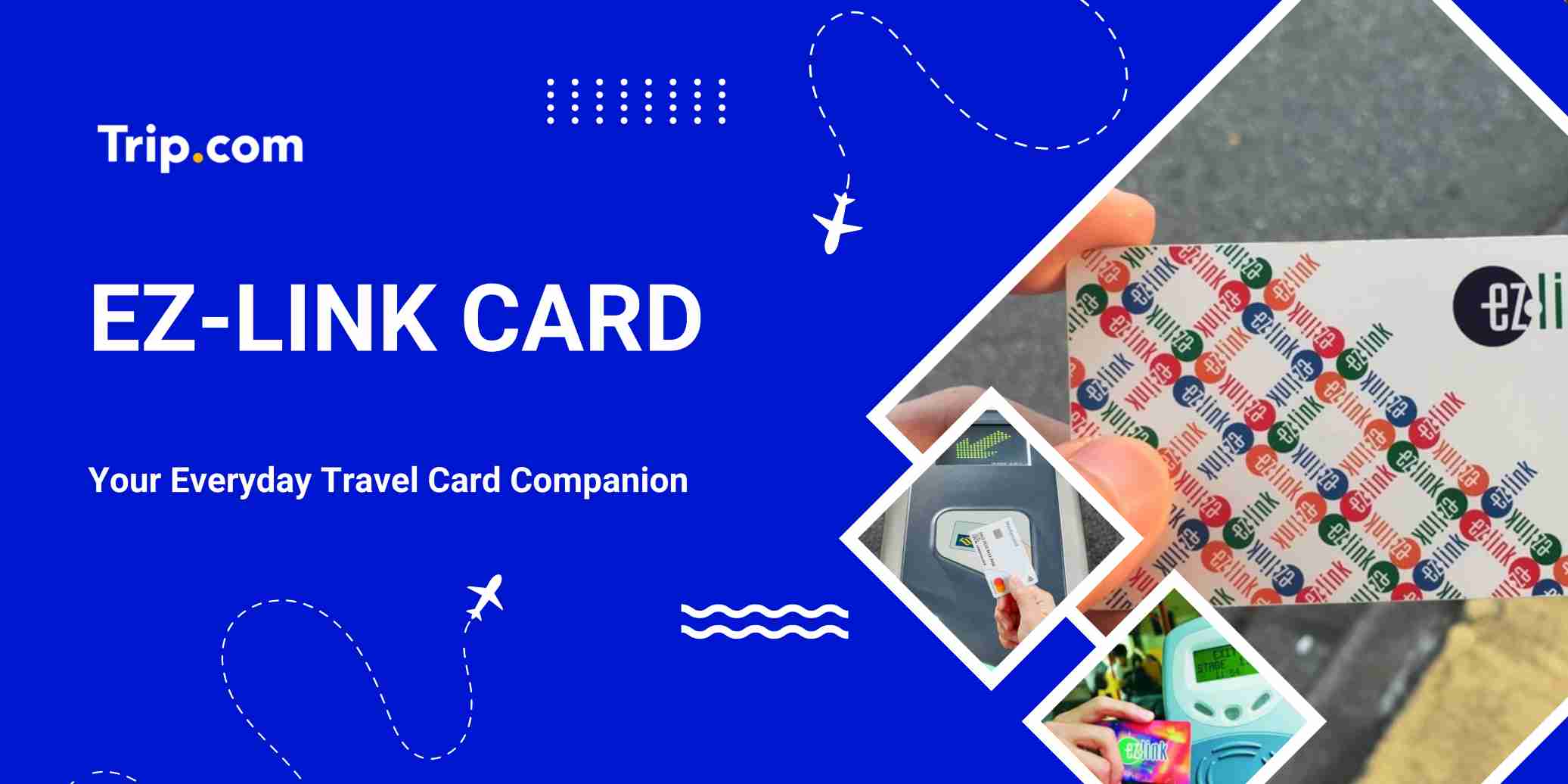
If you’re travelling around Singapore, having an EZ-Link card Singapore is one of the easiest and most affordable ways to pay for public transport, retail purchases, and even some dining spots.
But to make the most of it, you’ll need to know how to check your balance, top it up, and use it efficiently.
In this guide, we’ll walk you through all the essentials so you can tap and go with confidence without worrying about running out of credit mid-journey.
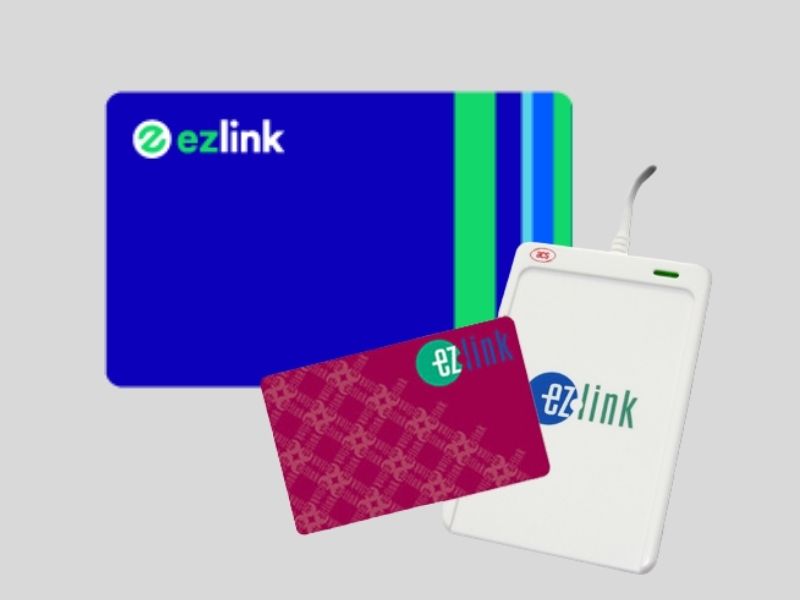
The EZ-Link Card is a contactless stored-value card used for public transport and small purchases in Singapore. It is accepted on buses, MRT , LRT, taxis, and at many shops, making it an essential card for locals and tourists alike.
With an EZ-Link Card, you can skip long queues at ticket machines and enjoy faster, more convenient travel around Singapore.
It’s widely accepted, easy to top up, and ideal for anyone seeking a cashless and seamless travel experience in Singapore.
A standard adult EZ-Link card costs S$10, which includes:
Limited-edition cards or special designs may cost more.
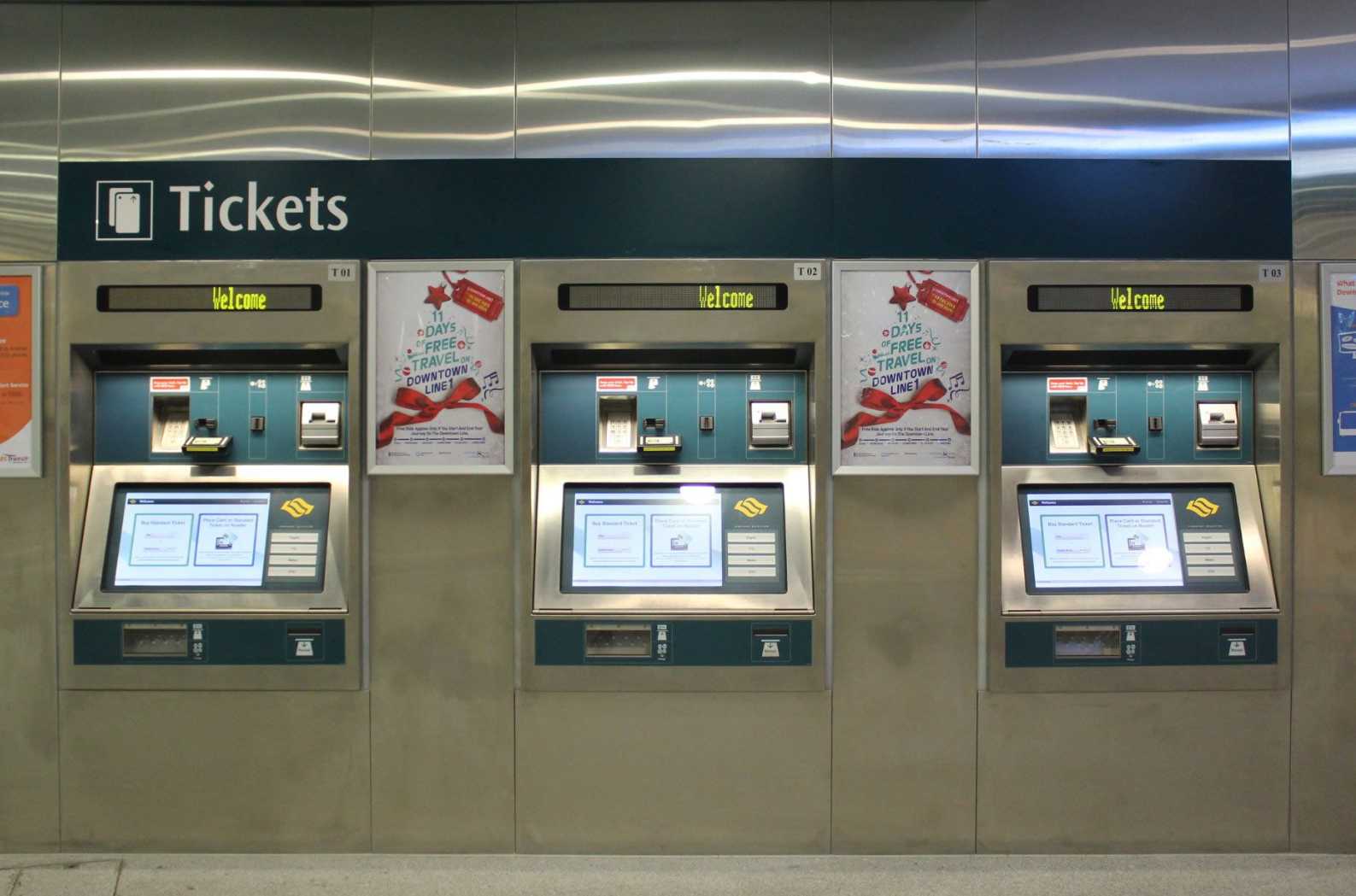
Here are the main ways where to buy an EZ-Link card in Singapore:
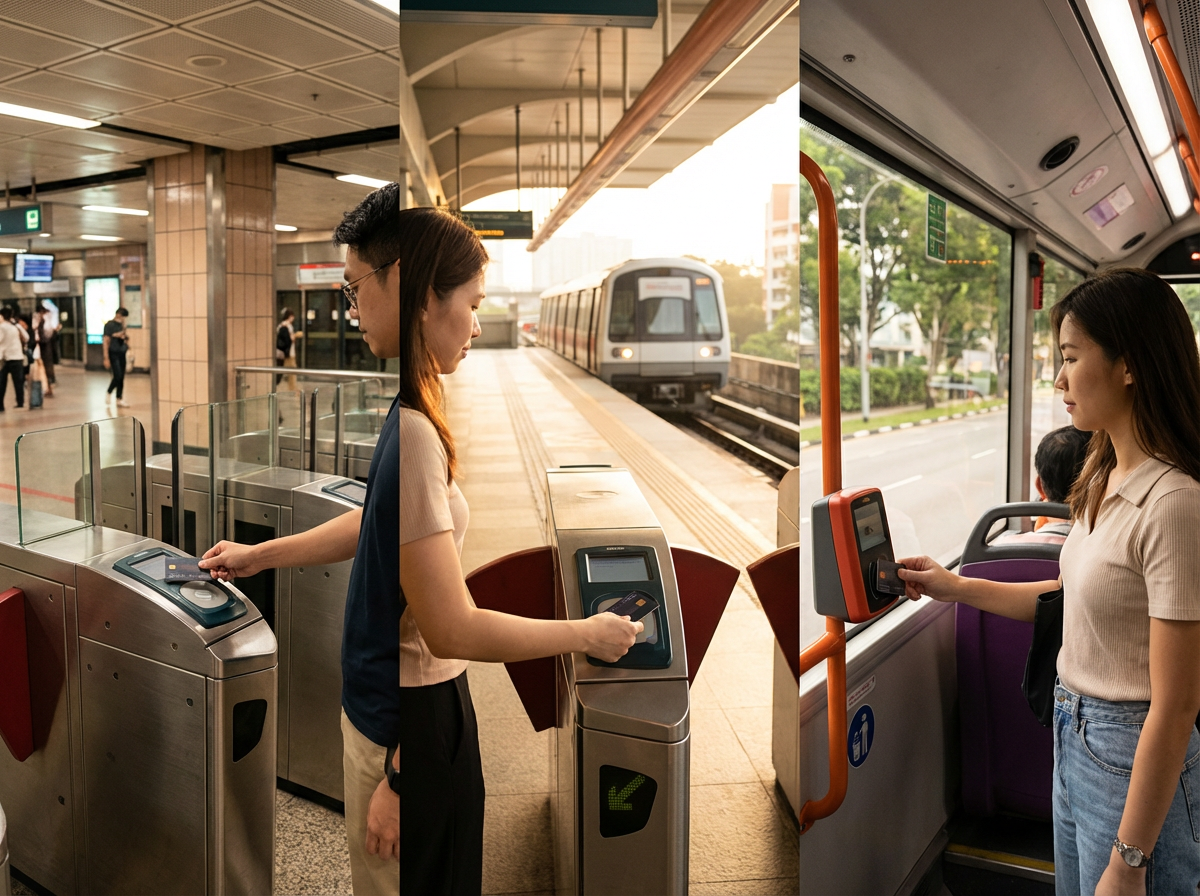
Simply tap your card at the fare gates when you enter and exit.
Tap on the card reader when boarding and alighting to ensure you are charged the correct fare.
The fare is automatically deducted from your stored value, so there’s no need for cash or separate tickets.
Use our promo code to enjoy up to 5% OFF (up to S$3) on your attraction tickets, tours and eSIMs! Only for new users!
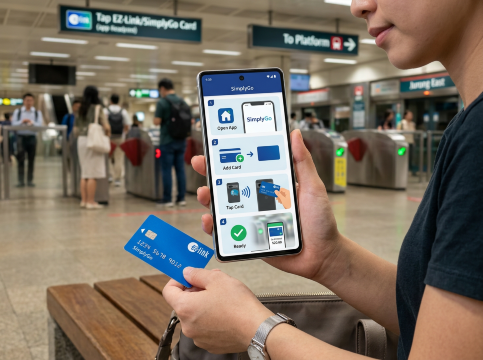
This is to show guide for the first timer on how to use ez link card on SimplyGo apps:
Step 1: Open the SimplyGo app and tap “Add Card +”
Step 2: Select “EZ-Link / Concession Card”
Step 3: Scan your EZ-Link card using your phone
Dicover Best Things to do in Singapore
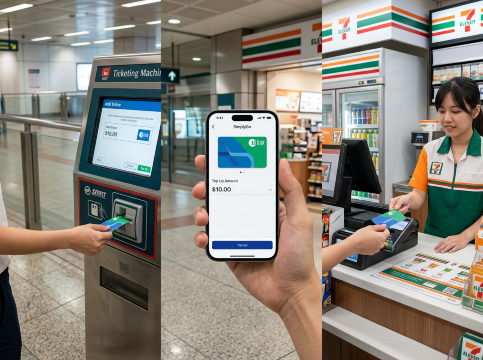
Recharging your EZ-Link card in Singapore offers various options for convenience. Here are some choices:
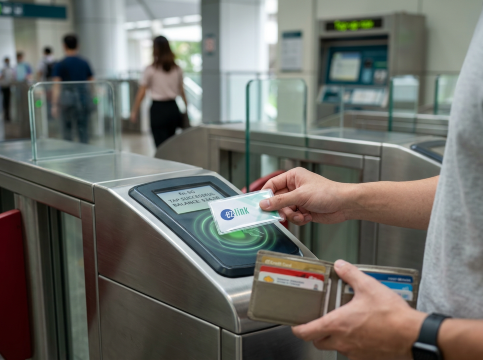
Check your balance before travel via the SimplyGo app, MRT passenger service centres, or card readers.
Avoid multiple taps at the reader to prevent double charges.
Store your EZ-Link card away from bank cards or other NFC cards to avoid “card clash.”
Bending, scratching, or placing it near sharp objects can damage the chip and may cause tapping or scanning issues when using public transport.
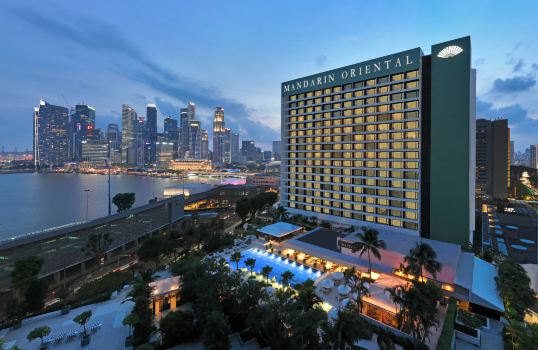
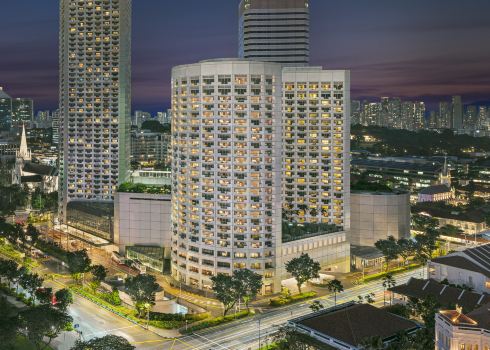
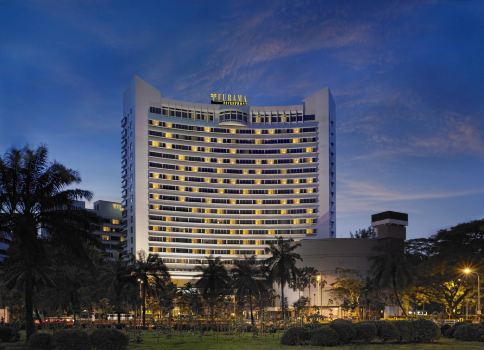
Top Rated Hotels in Singapore
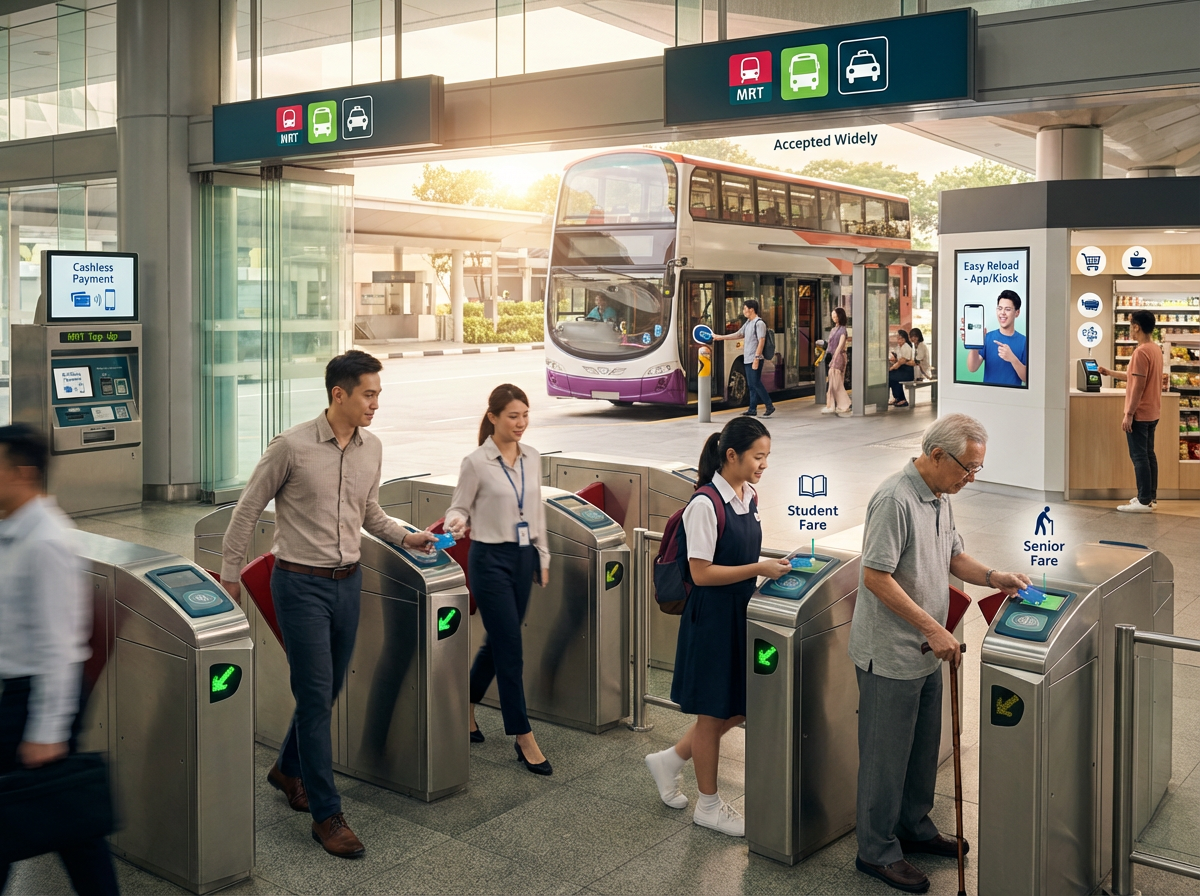
Benefit | Details |
Fast Travel | Tap and go on buses, Singapore MRT, and LRT without needing cash. |
Accepted Widely | Works at taxis, convenience stores, supermarkets, vending machines, and retail outlets. |
Easy Reload | Add value online, at MRT stations, convenience stores, or via the SimplyGo app. |
Cashless Payments | Use for small retail transactions for daily convenience. |
Student & Senior Discounts | Special card versions offer lower fares for students and seniors. |
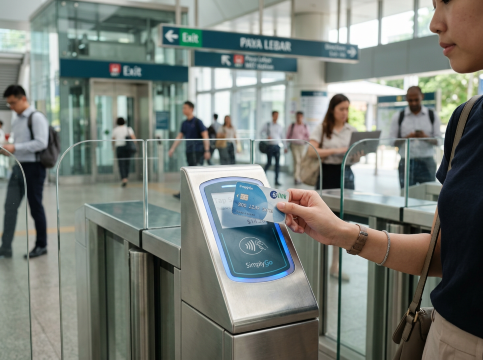
The EZ-Link Card is one of the easiest and most convenient ways to travel and shop in Singapore. Whether you use it on Singapore MRT, buses, or for everyday purchases, topping up at stations, stores, or via the SimplyGo app is quick and seamless.
By keeping your card loaded and checking your balance regularly, you can enjoy smooth, cashless travel around the city. For both locals and visitors, the EZ-Link Card is a must-have for a hassle-free Singapore experience.
More Info
Discover the world with Trip.com! Book cheap flights to destinations worldwide and enjoy S$5 off flight bookings over S$150 or S$20 off over S$450 (before tax). Start your journey today!
 2440 booked